
Unclassified exercises and sets without kg
The analyzer doesn't make up data: if an exercise is missing something for a calculation, it leaves it out and tells you.
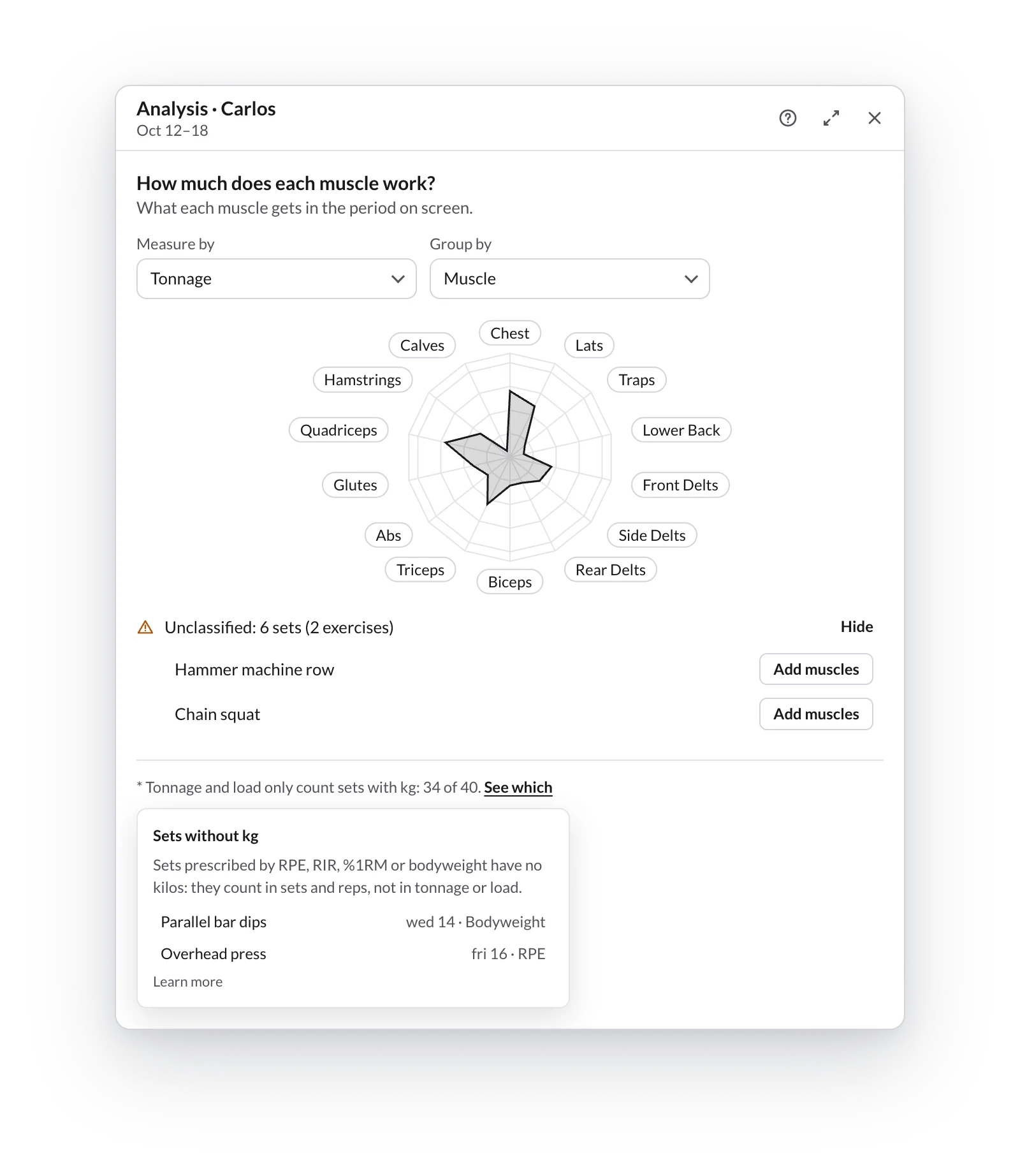
Sets without kg
Sets prescribed by RPE, RIR, %1RM or bodyweight have no kilos: they count in sets and reps, but not in tonnage or load.
If you measure tonnage or load (or have a muscle's detail open), this appears at the bottom:
* Tonnage and load only count sets with kg: 34 of 40. See which
Click See which to see those exercises and tap one to go to it. You don't have to change anything; if you want them to count, write the kilos too.
In Endurance the same happens with sRPE load, which needs duration and RPE.
Unclassified exercises
An exercise without muscles (common with your own) doesn't enter the radar or the map. It goes to the Unclassified: N sets (M exercises) notice, below the radar.
- Click classify in the notice.
- Click Add muscles next to the exercise.
- Choose its primary and secondary muscles and save.
The analysis updates instantly and the exercise stays classified in your library for every plan. More in How to create exercises?.
In Endurance, an exercise without a sport goes to the Other axis.
Frequency and rest
The workout analyzer's frequency map — which days you train each muscle, how many days it rests between stimuli and when the consecutive days warning appears.
What counts as a set
The rules the workout analyzer uses to count sets — warm-ups, drop sets, supersets, circuits and AMRAPs, days with options, rep ranges and pound-to-kg conversion.