
Log exercise weight and track progress
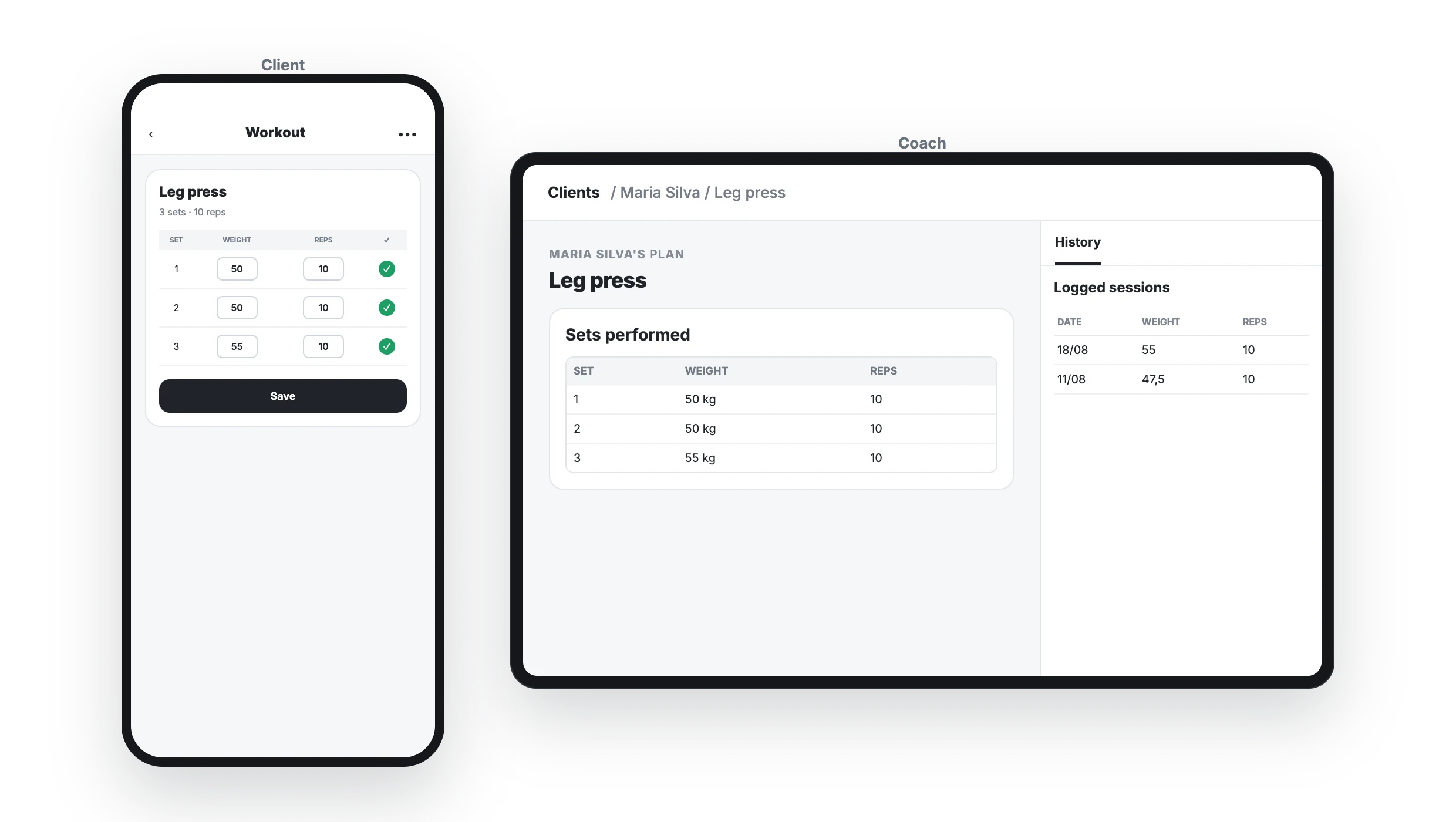
Yes. A client can log what they actually performed in every set —for example, Leg press: 50 kg × 10— and you can review every session from their plan. No need for screenshots or messages after training.
1. Add the columns you want to track
In the exercise set editor, add the variables the client should complete: usually Weight and Reps, but also RPE, RIR, time, or distance. The planned value is a reference; the client can replace it with the actual result.
2. The client logs each set on their phone
They open the exercise, enter the weight and repetitions in every row, then mark the set as done.
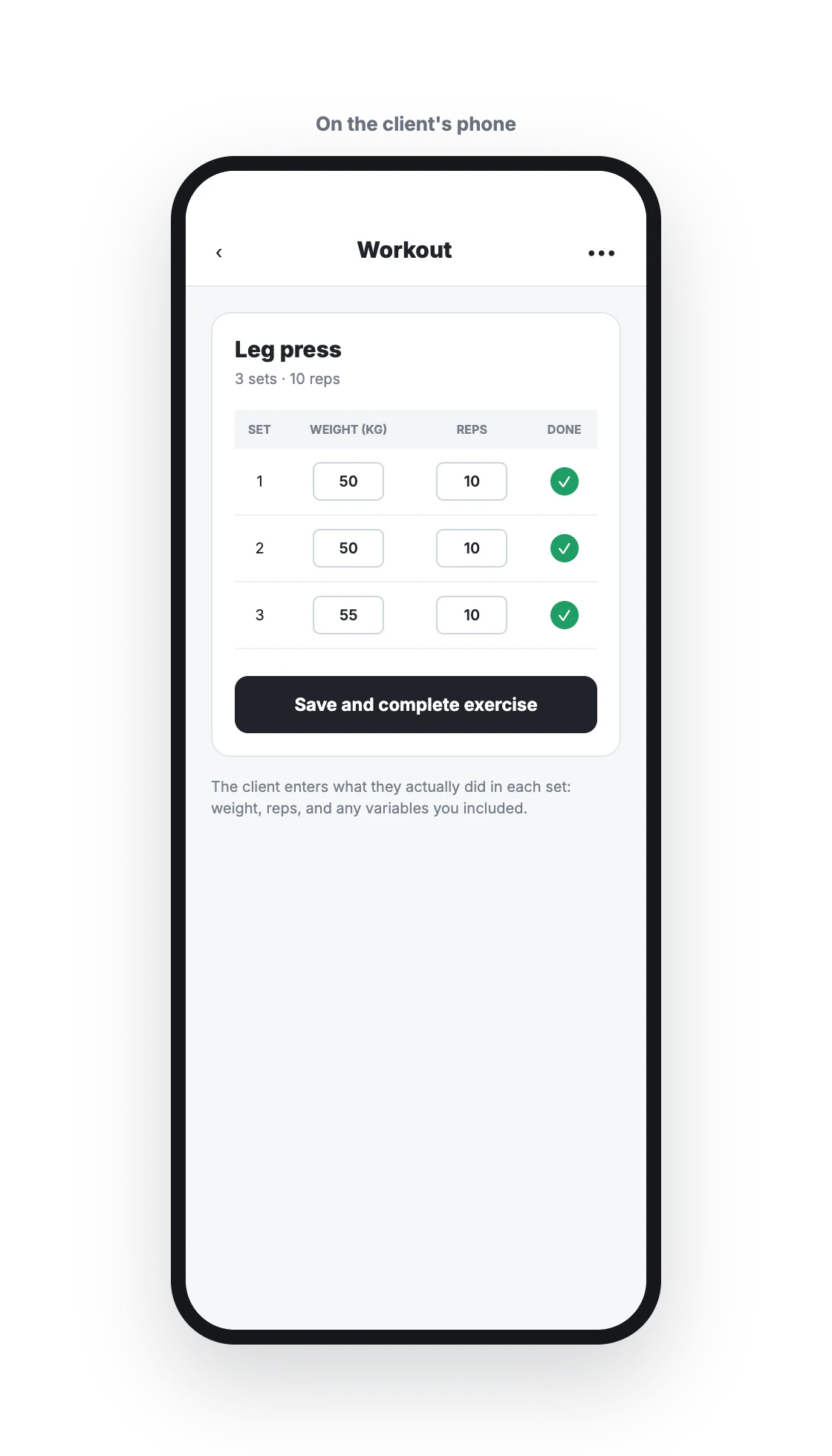
Data is saved when they save or complete the exercise, whether they log it set by set or after the workout.
3. Review history from the client's plan
Open the client plan and select the exercise. In the right-side panel, choose History to see sessions by date, including every set and logged variable.
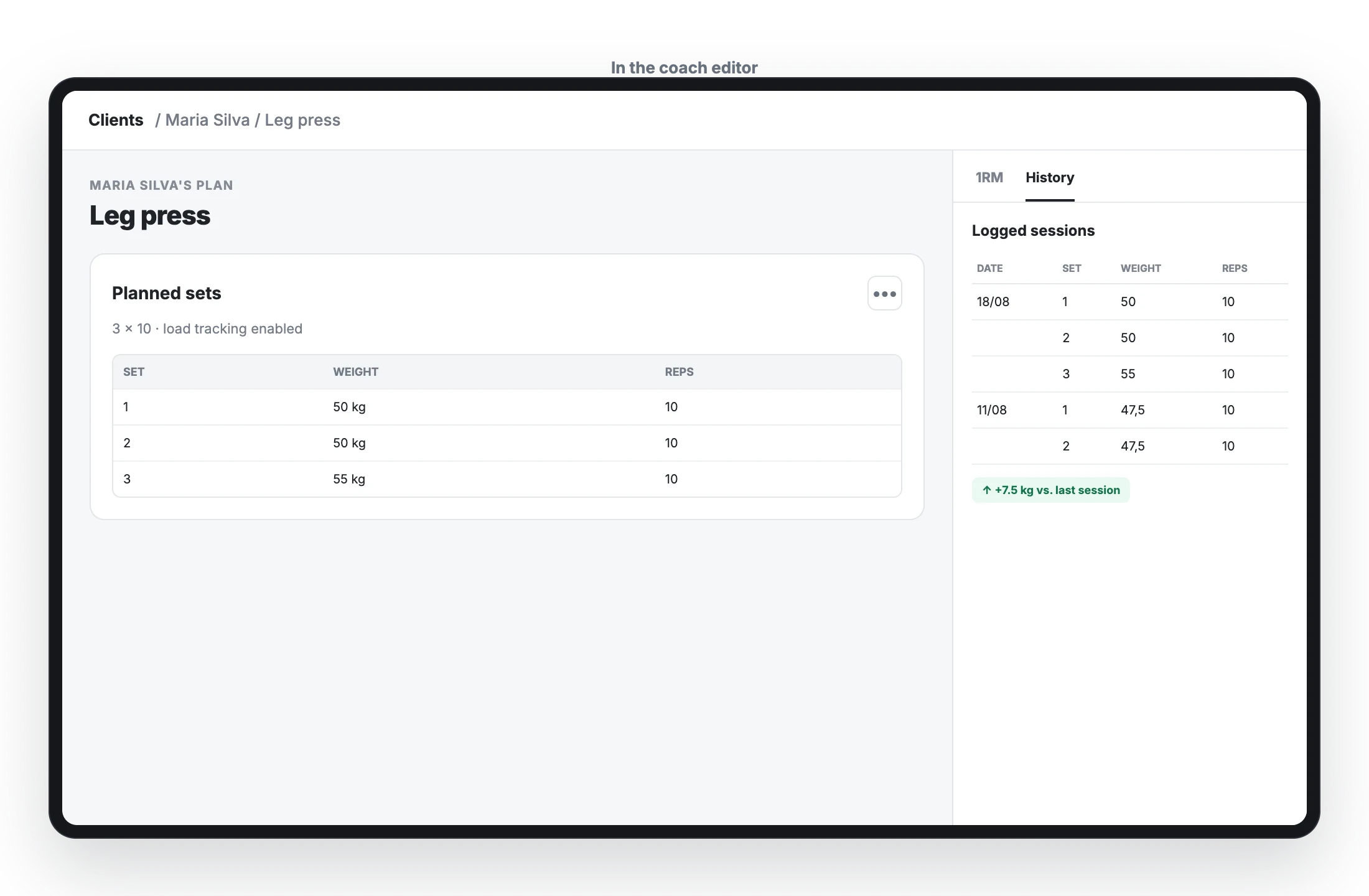
The 1RM tab in the same panel helps you maintain the client's maximum for loaded exercises.