
How to earn money with the affiliate program?
If you know other trainers who would benefit from TrainerStudio, the affiliate program pays you for recommending it. You share your personal link and, when a trainer signs up with it and subscribes to a paid plan, you earn a 20% commission on their subscription for 12 months.
1. Open the affiliate program
Go to Business → Affiliates in the side menu (it is also in Settings → Affiliates). At the top you will see the program terms and how it works in three steps:
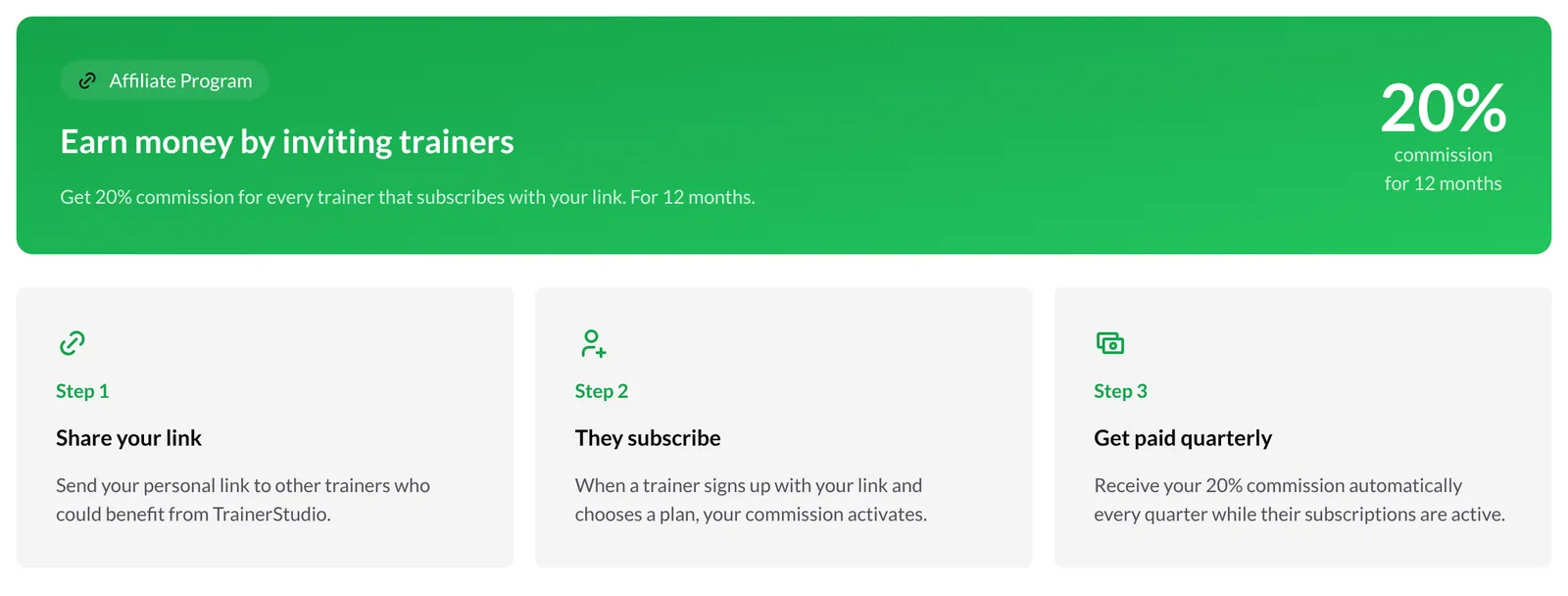
- Share your link with other trainers who could benefit from TrainerStudio.
- They subscribe: when a trainer signs up with your link and chooses a plan, your commission activates.
- Get paid quarterly: you receive your 20% commission every quarter while their subscriptions are active.
Only people allowed to manage the account's billing see this section.
2. Create your referral code
The first time, you have to choose your referral code, which becomes the last part of your link. Type it in Referral Code and click Create.

- It must be between 3 and 20 characters long.
- It only accepts lowercase letters and numbers (no spaces, accents or symbols). Capital letters are converted to lowercase automatically.
- It has to be unique: if another trainer already uses it, you will see Referral code already taken and you will have to pick another one.
- Choose carefully: each account has a single code and it cannot be changed later from the app. Something short and recognizable, like your brand name, works best.
3. Share your link
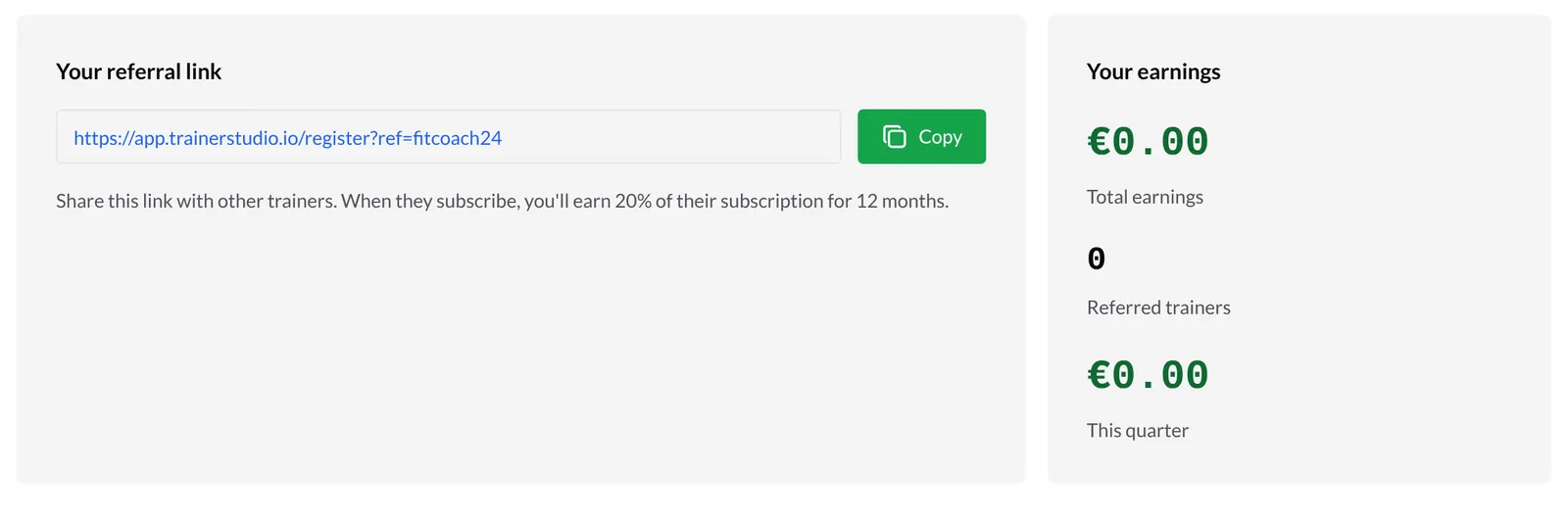
Once the code is created, the page shows Your referral link (like https://app.trainerstudio.io/register?ref=yourcode). Click Copy and share it on WhatsApp, social media, email or wherever you prefer.
When someone opens your link, they sign up for TrainerStudio with your code. If they then subscribe to a paid plan on the web, they also get a 20% discount for their first 3 months, which helps you convince them.
4. Check your earnings
The Your earnings card sums up your activity as an affiliate:
- Total earnings: everything you have earned in commissions since you created your code.
- Referred trainers: how many trainers have signed up with your link.
- This quarter: what you have earned so far in the current quarter.
Earnings are shown in euros: if the referred trainer pays in another currency, it is converted automatically.
Good to know
- 20% for 12 months. You earn 20% of what each referred trainer pays for their subscription during their first 12 months.
- Only real payments count. If the referred trainer never subscribes to a paid plan, or cancels, no commission is generated for those months.
- Quarterly payouts. Commissions are paid out every quarter while your referrals' subscriptions are active.
- One code per account. Think about your code before creating it: it cannot be edited from the app.
- The link is used at sign-up. The referral is linked when the trainer creates their account from your link, so share it before they sign up.
Related guides
How to manage your TrainerStudio subscription?
Choose the TrainerStudio tier that fits your active clients, subscribe, change tier, download invoices or cancel from the Stripe portal, understand the client limit and, if you need to, delete your account.
Calendar and appointments
Organize company appointments, view the whole team's schedule, and prevent room or equipment conflicts.