
Folders or tags, and ideas to get organized
Folders or tags
In sessions and blocks you can use both at once. Each one answers a different question:
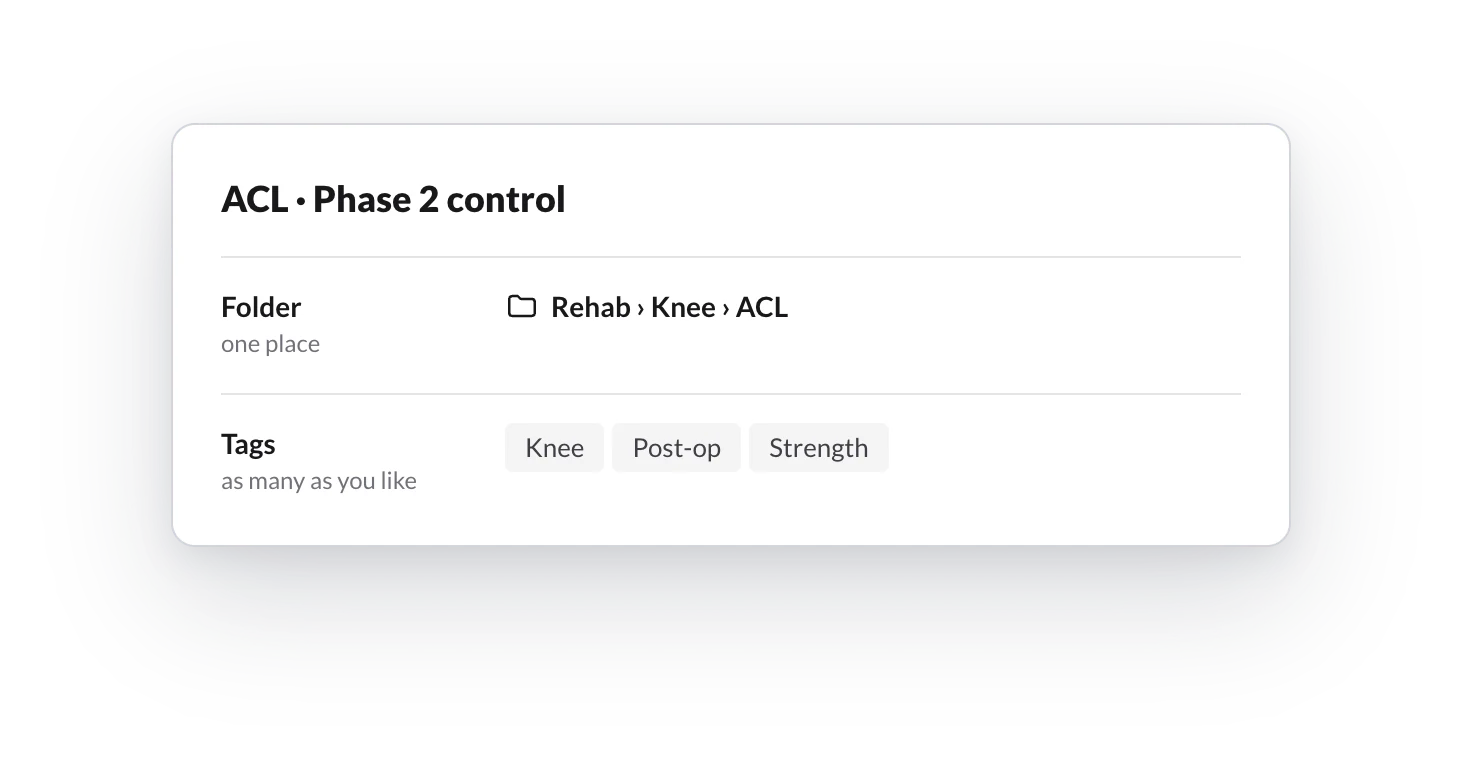
| Folders | Tags | |
|---|---|---|
| Answers | Where does this template live? | What is it like? |
| How many | One at most | As many as you like |
| Example | Rehab › Knee › ACL | Knee, Post-op, Strength |
| For | Browsing a tidy library | Finding what cuts across folders |
Tags are still searchable as before: type Post-op in the search box and you will find every template with that tag, whatever folder it is in. While planning, you can also filter by tag in Load templates.
A simple rule: the folder is the main criterion you look for a template by; tags are everything else.
Ideas to get organized
Pick one criterion for the top level and don't mix it with others. Some that work well:
- By phase. Phase 1 · Activation, Phase 2 · Control, Phase 3 · Strength, Return to sport. Useful if your programs follow a progression.
- By condition or body area. Knee › ACL, Knee › Meniscus, Shoulder, Lower back. Common in physiotherapy and rehab.
- By client type. Beginners, Over 65, Pregnancy and postpartum, Athletes. Useful for programs you assign as they are.
- By part of the session. Warm-up, Main strength, Conditioning, Cool-down. A great fit for blocks, which you combine in every session.
A few tips:
- Start with a few folders and add subfolders when one gets too big.
- Each library can follow its own criterion: programs by client type and blocks by part of the session, for example.
- Use tags for the second criterion. If your blocks are sorted by part of the session, tag the body area (Knee, Shoulder) to find them that way too.
- You don't need to sort everything at once. Whatever has no folder yet stays in No folder, at hand.
In the mobile app
How to browse your library folders, search and move templates from the TrainerStudio app on your phone.
How to give your clients several routines to choose from each day?
Offer several workout options on the same day (routine A, routine B, express...) and let the client choose which one they do and log it. Ideal for rotating routines and clients without fixed days.