
GuidesCalendar and appointments
Team schedule and permissions
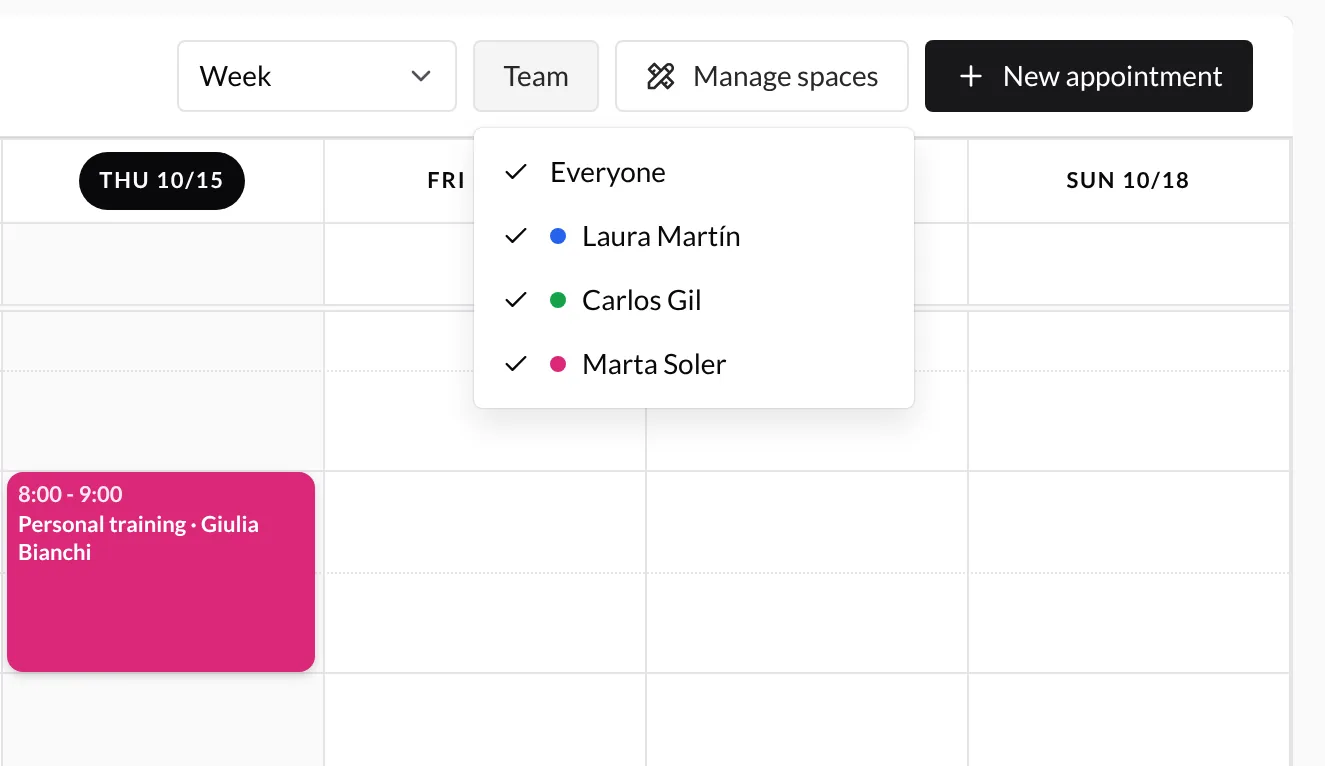
TrainerStudio keeps a separate schedule for every active coach or employee. Missing schedules are prepared automatically and appear in the Team multi-select. Each trainer keeps the same color in filters and appointments.
What each role can do
| Action | Coach or administrator | Employee |
|---|---|---|
| View every company schedule | Yes | Yes |
| Create appointments | In any schedule | Own schedule only |
| Edit, move, or delete TrainerStudio appointments | In any schedule | Own schedule only |
| Assign resources to an editable appointment | Yes | Yes |
| Create or manage resources | Yes | No |
Clients cannot access this coach-panel section.
Read-only appointments
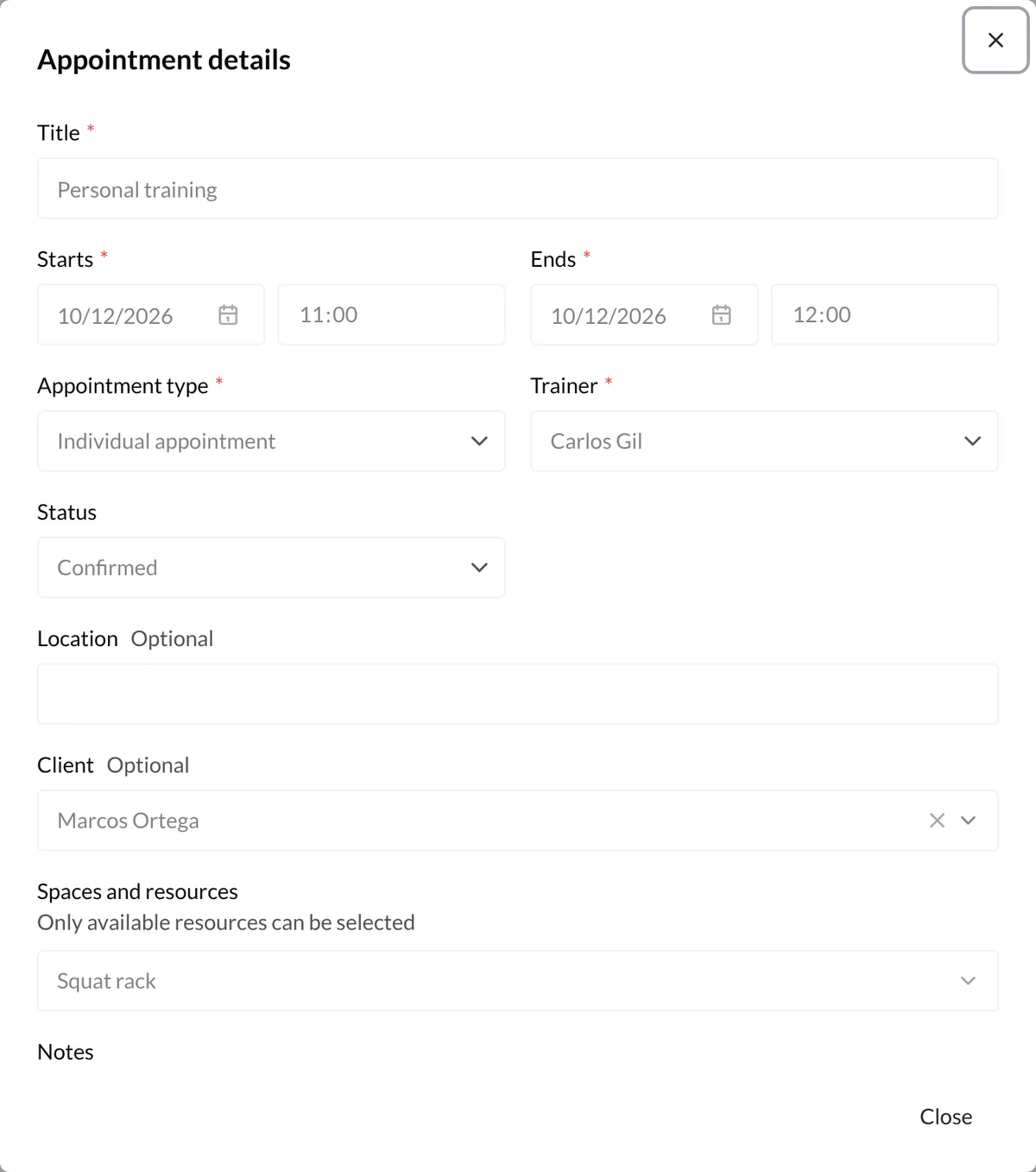
Employees can open another trainer's appointment to view its title, time, client reference, resources, and notes. Appointment details provides only a Close button. It cannot be saved, deleted, moved, or resized. Filters never change permissions.
Change the trainer
A coach or administrator can edit an appointment and choose another schedule in Trainer. Employees only have their own schedule available.
Continue with spaces and resources.