
Ingredients, your food library
Ingredients are the most basic piece of advanced nutrition: each food with its nutritional values. Once created, they are available to all your recipes, and their macros flow automatically into any recipe or plan that uses them.
You will find your library in Library → Ingredients. From there you search, create and organize all your foods.
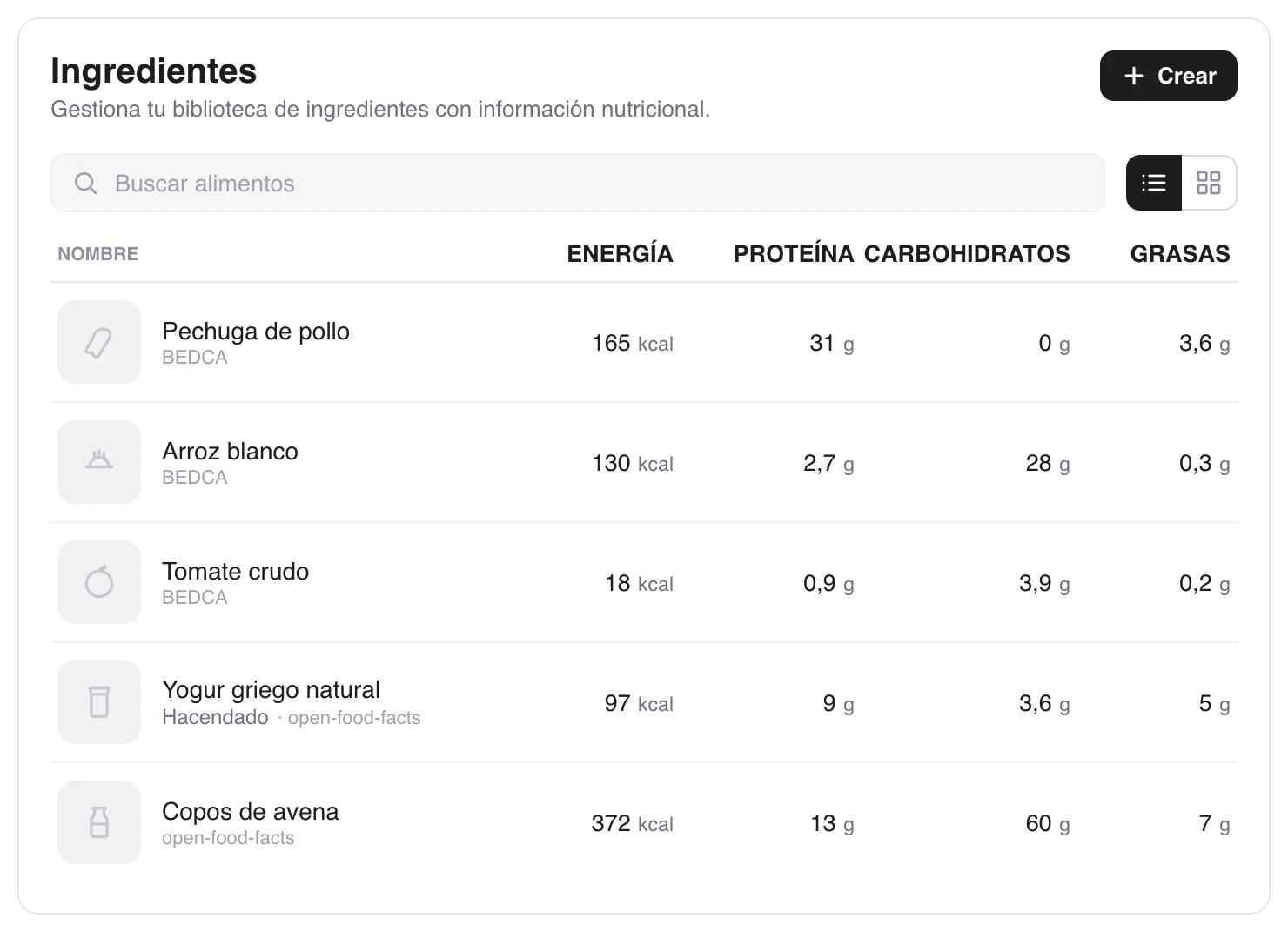
Each food shows its calories and macros per 100 g and, under the name, its source: BEDCA, open-food-facts or your own library.
Create a food by hand
When you create an ingredient, you only need the name and its values per 100 g:
- Calories (kcal)
- Protein (g)
- Carbs (g)
- Fat (g)
You can also add an optional description. From those per-100 g values, TrainerStudio calculates the macros for any amount you use in a recipe.
The shared food library
You do not have to type in the macros of every food. When you search, besides your own foods, TrainerStudio looks up a shared library with hundreds of thousands of foods from two sources:
- BEDCA — the Spanish Food Composition Database, with natural and staple foods (fruit, meat, vegetables, grains...).
- Open Food Facts — an open database of packaged and branded products.
Under each food's name you see its source (for example, BEDCA, open-food-facts, the product's brand, or TrainerStudio for your own foods), so you know where its values come from. Search by name, pick the right result and its macros are ready to use in your recipes.
If you notice that a food in the shared library has incorrect data, you can report the error from its detail view. That way it gets fixed for you and for every other coach.
Keep your library tidy
- Use clear, specific names ("Cooked chicken breast", "Cooked white rice") so you can find them quickly when building recipes.
- Foods you no longer use can be archived: they disappear from the list without breaking the recipes that had them.
- Values are always per 100 g: it is the standard that lets you scale any amount without doing the maths.
With a few staple foods you can move on to the next step: building your recipes.
Advanced nutrition
Create reusable foods, recipes and nutrition plans, assign them to your clients with macro targets and let them follow their diet from the app. A complete guide to advanced nutrition in TrainerStudio.
Recipes
Combine ingredients into recipes with their amounts in grams; the macros are calculated automatically. Add instructions, preparation time and complexity.