
Attach a PDF
If you already have the diet in a PDF document, you do not need to rewrite it: upload it and your client will see it in their app. It is the most direct option when you work with templates you have already prepared outside TrainerStudio.
You choose it in the client profile → Nutrition → Upload PDF.
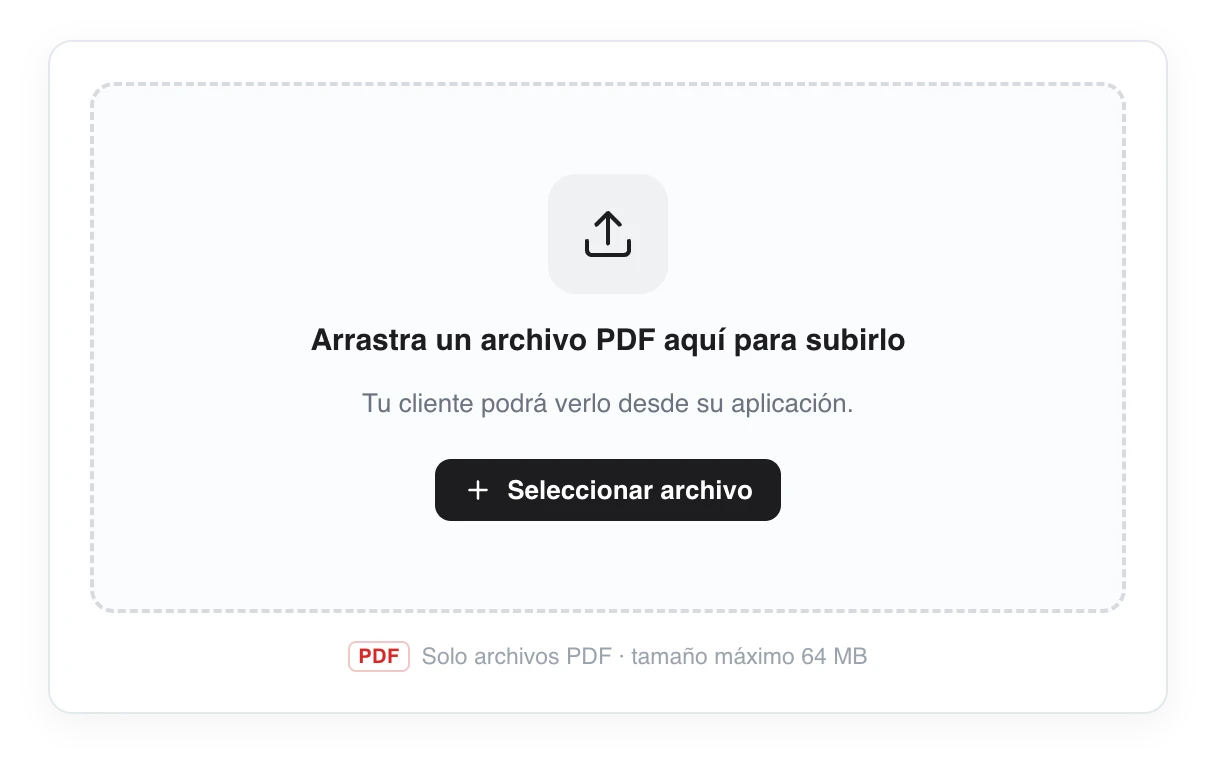
Drag the PDF to the upload area. Once uploaded, a preview is shown and your client can see it in their app.
How it works
- Drag or select the file in the upload area ("Drag a PDF file here to upload it").
- Only PDF files are accepted, up to 64 MB.
- Once uploaded it is saved and a preview of the document appears.
- To change it, delete the current menu and upload another PDF.
What your client sees
Your client views and downloads the PDF from the Nutrition section of their app, exactly as you uploaded it.
Prefer a plan you can edit inside, with recipes and macros? Use advanced nutrition.
Nutrition by text
Write your client's diet in a formatted text editor — headings, lists, bold, links and images. It saves automatically and your client sees it in their app.
Advanced nutrition
Create reusable foods, recipes and nutrition plans, assign them to your clients with macro targets and let them follow their diet from the app. A complete guide to advanced nutrition in TrainerStudio.