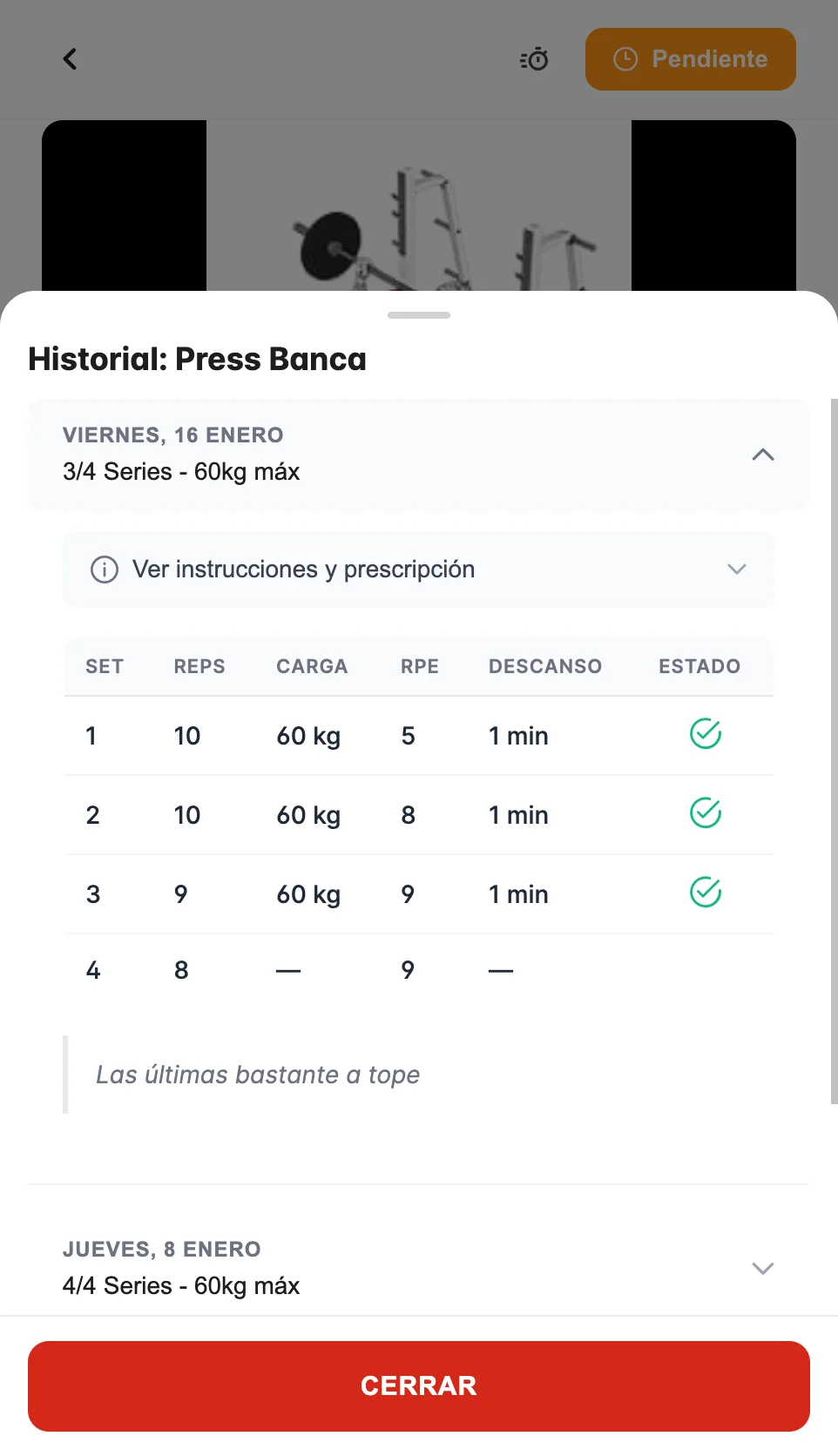
Today's workout
How to complete your workouts and exercises
Tap a day on the calendar to see your workout. You will see all the exercises organized into blocks (warm-up, main, cool-down).
The flow is always the same: open the day, work through the exercises in order, mark each one as completed and record your sets (weight and reps). That way your coach sees your progress and can adjust your plan.
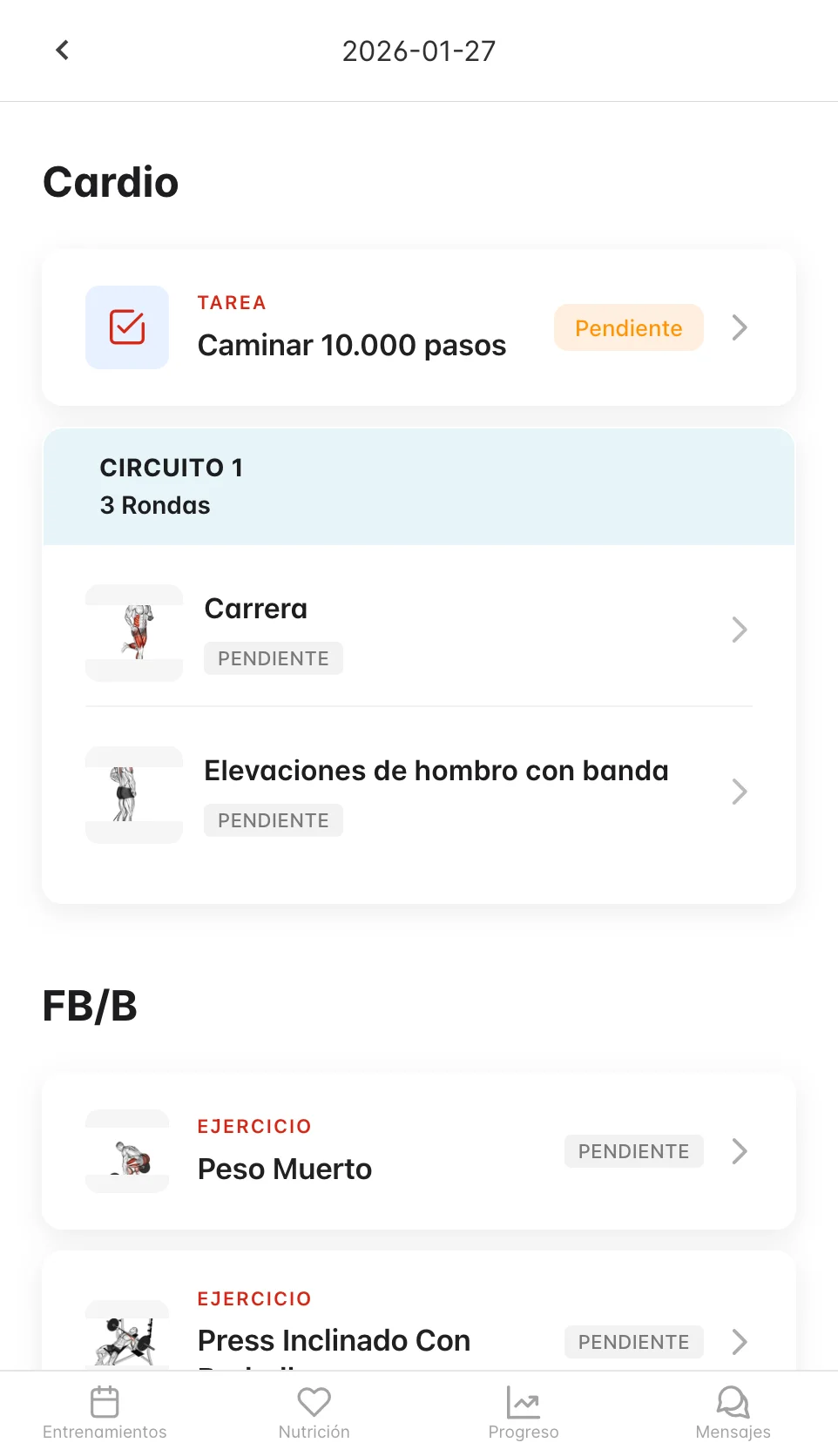
Seeing the details of an exercise
Tap any exercise to see:
- Demo video
- Technique instructions
- Sets, reps and suggested weight
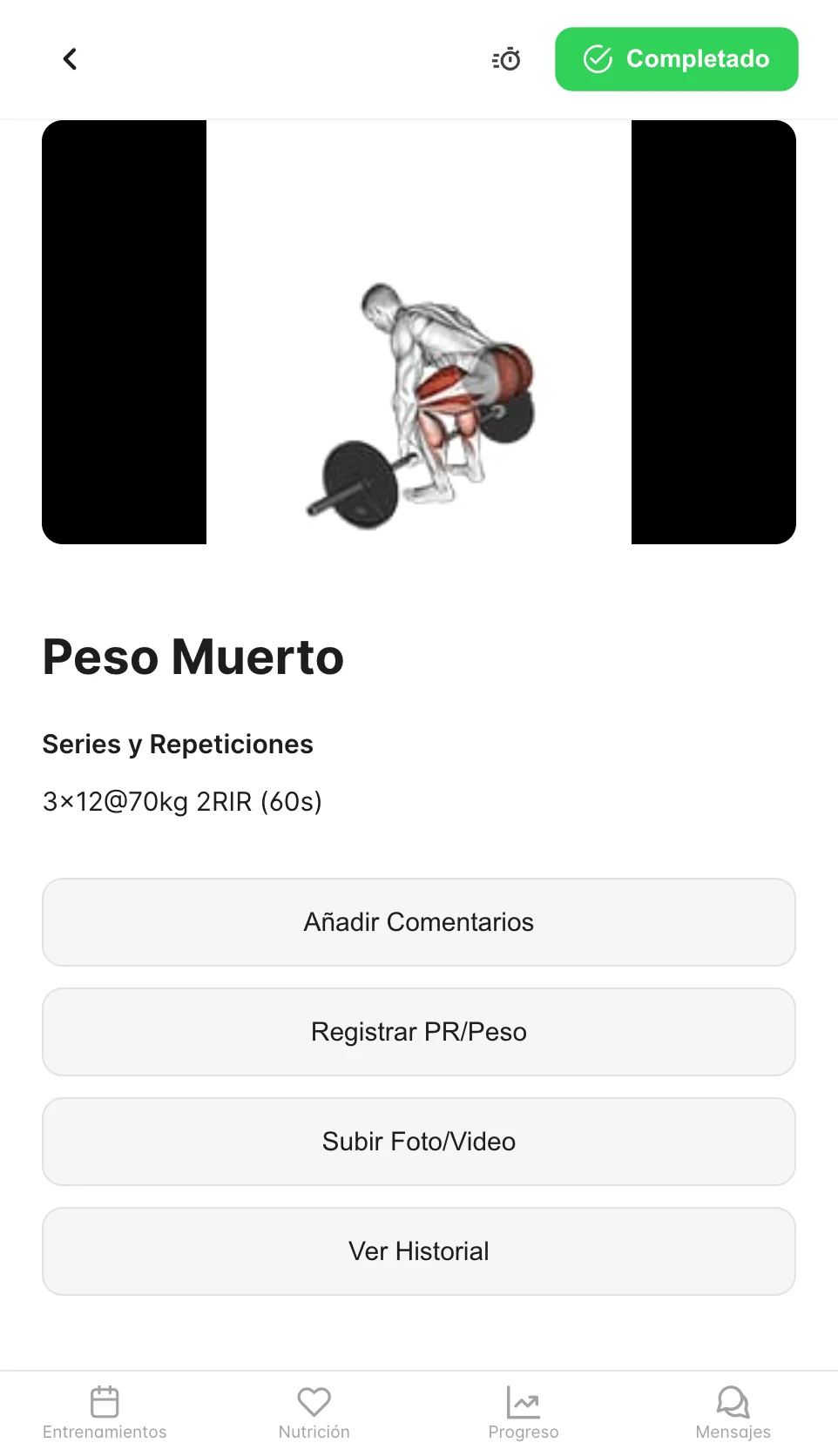
Completing exercises
- Tap the exercise's status button to mark it as completed (it will go from blue to green)
- Record your sets and reps in the forms
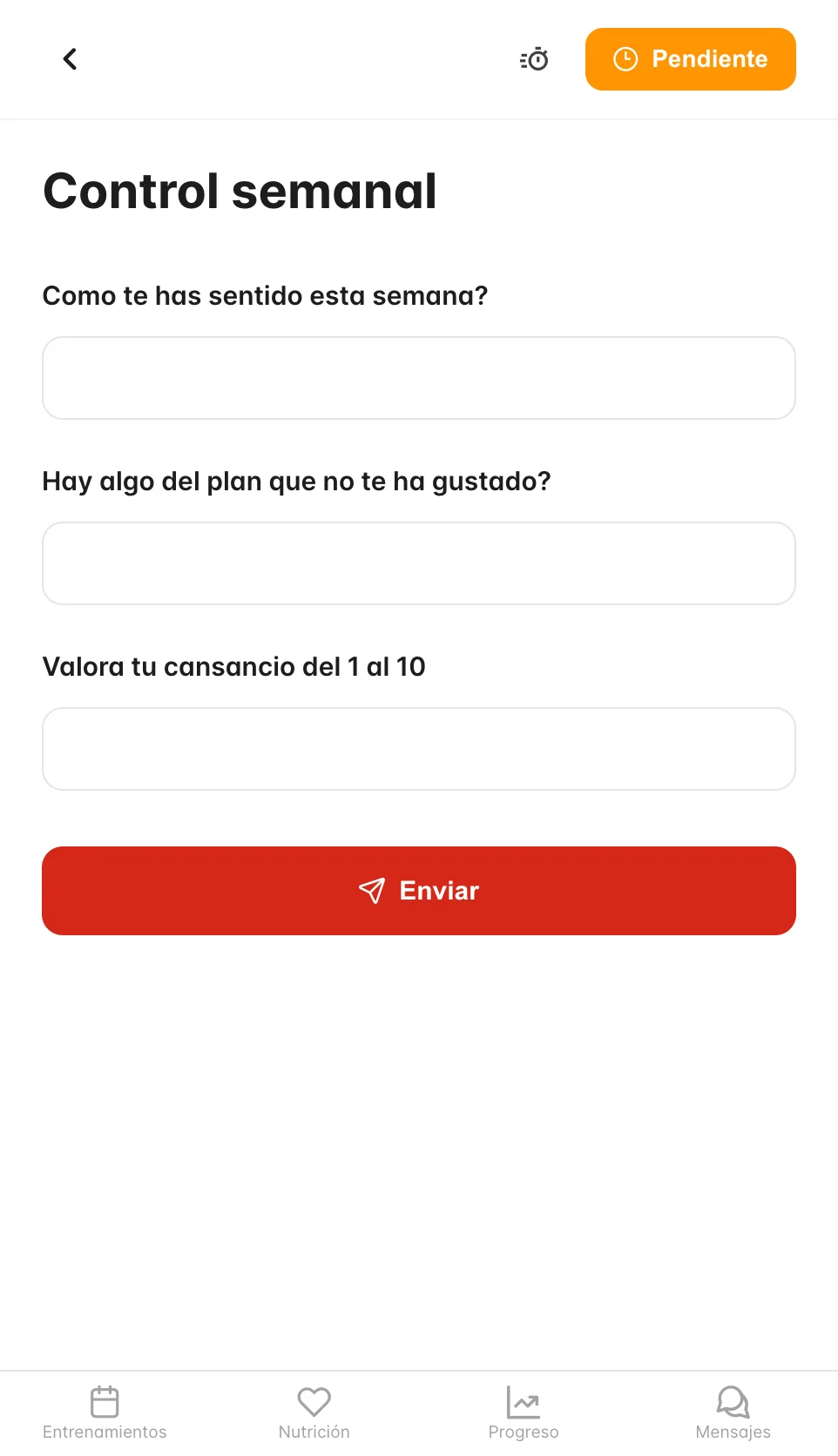
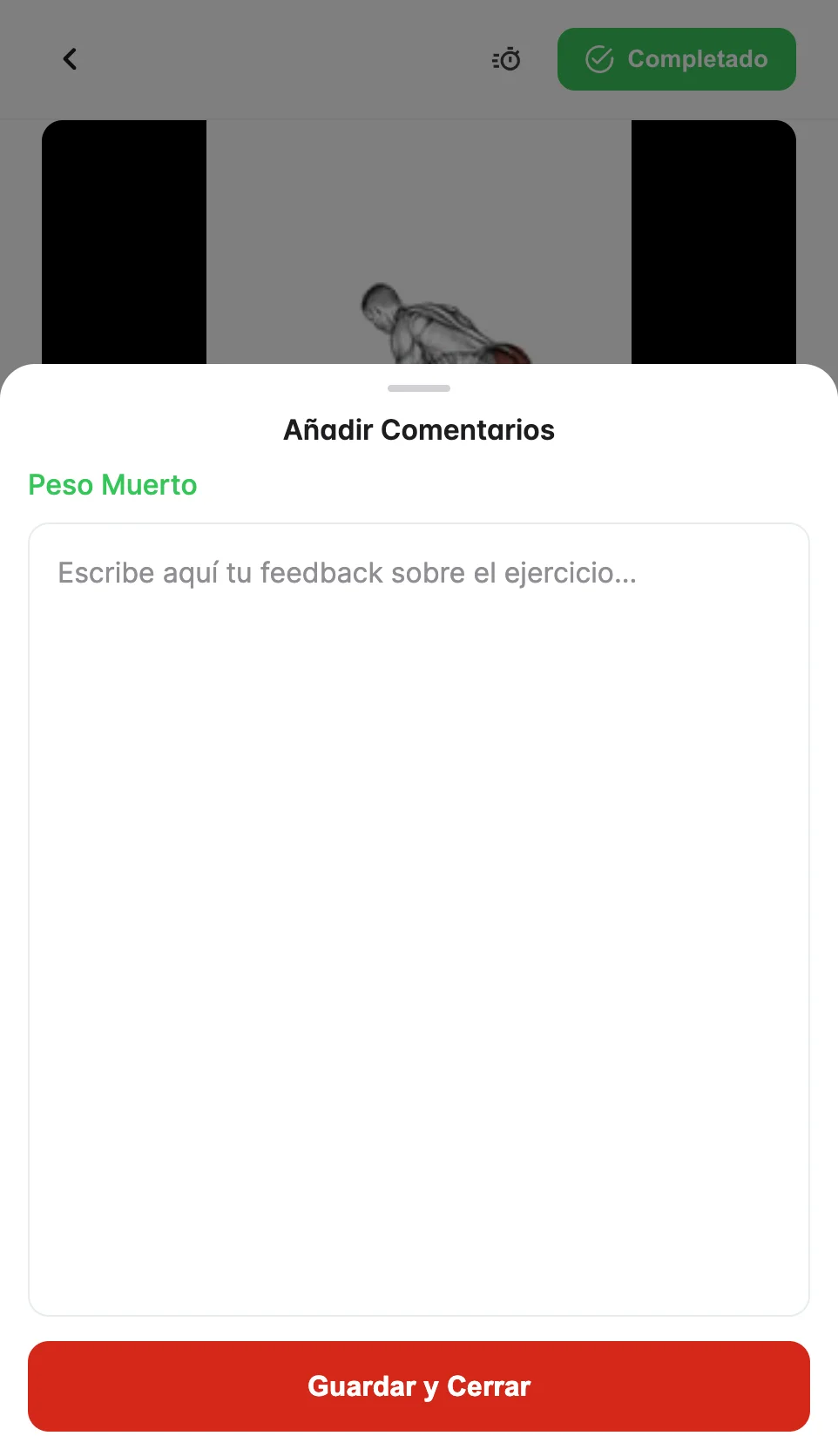
Adding comments
Open an exercise and write in the comments field. Your coach will see it. Use it to report difficulties, weight changes, or how you felt.
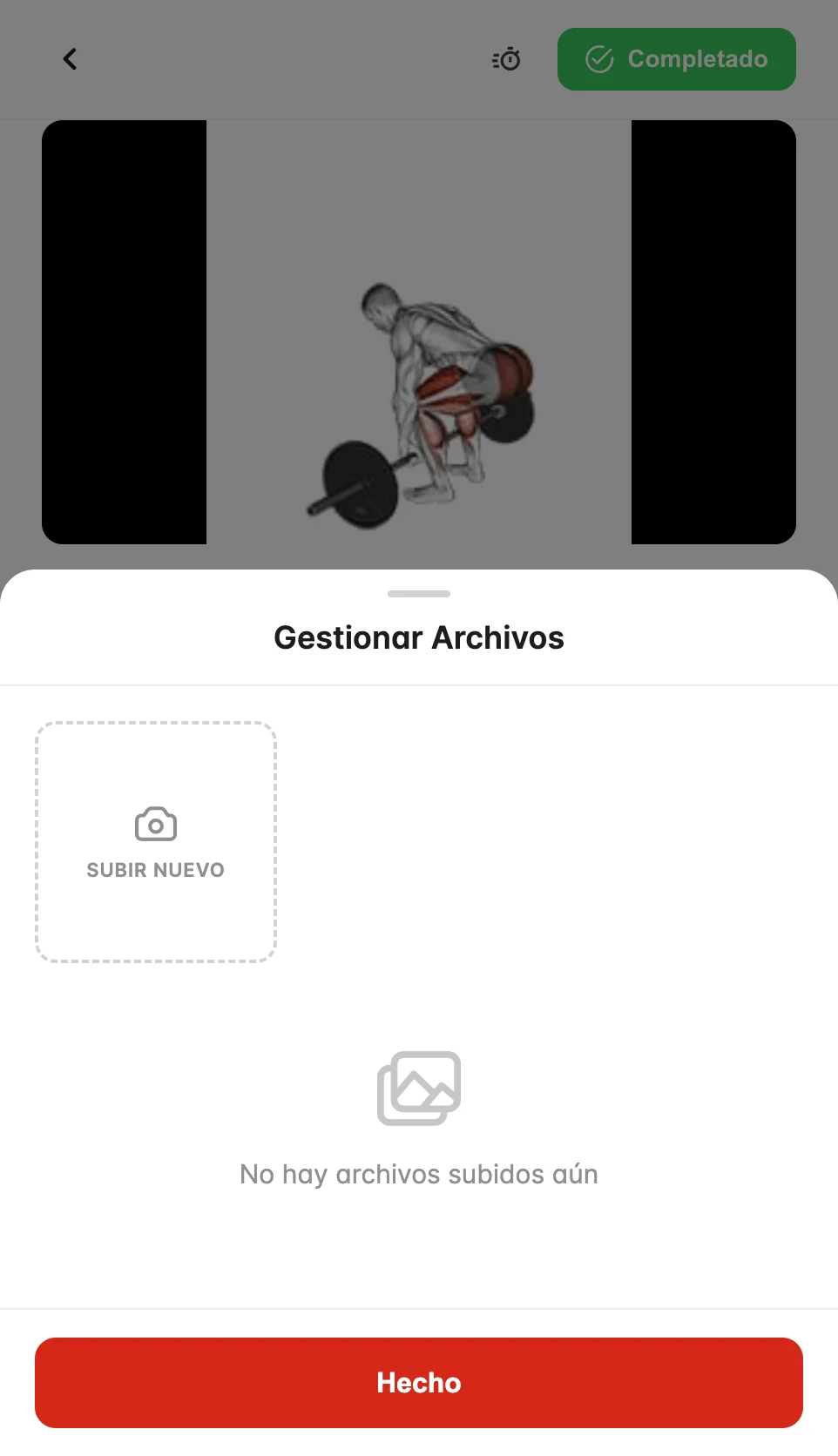
Uploading photos or videos
In the exercise details you can upload photos or videos of your technique so your coach can give you feedback.
Seeing your history
Tap an exercise to see your previous records and track your progress.