Progress photos
Uploading and managing your progress photos
Go to Progress in the bottom menu and select "Progress photos" to document how you are changing.
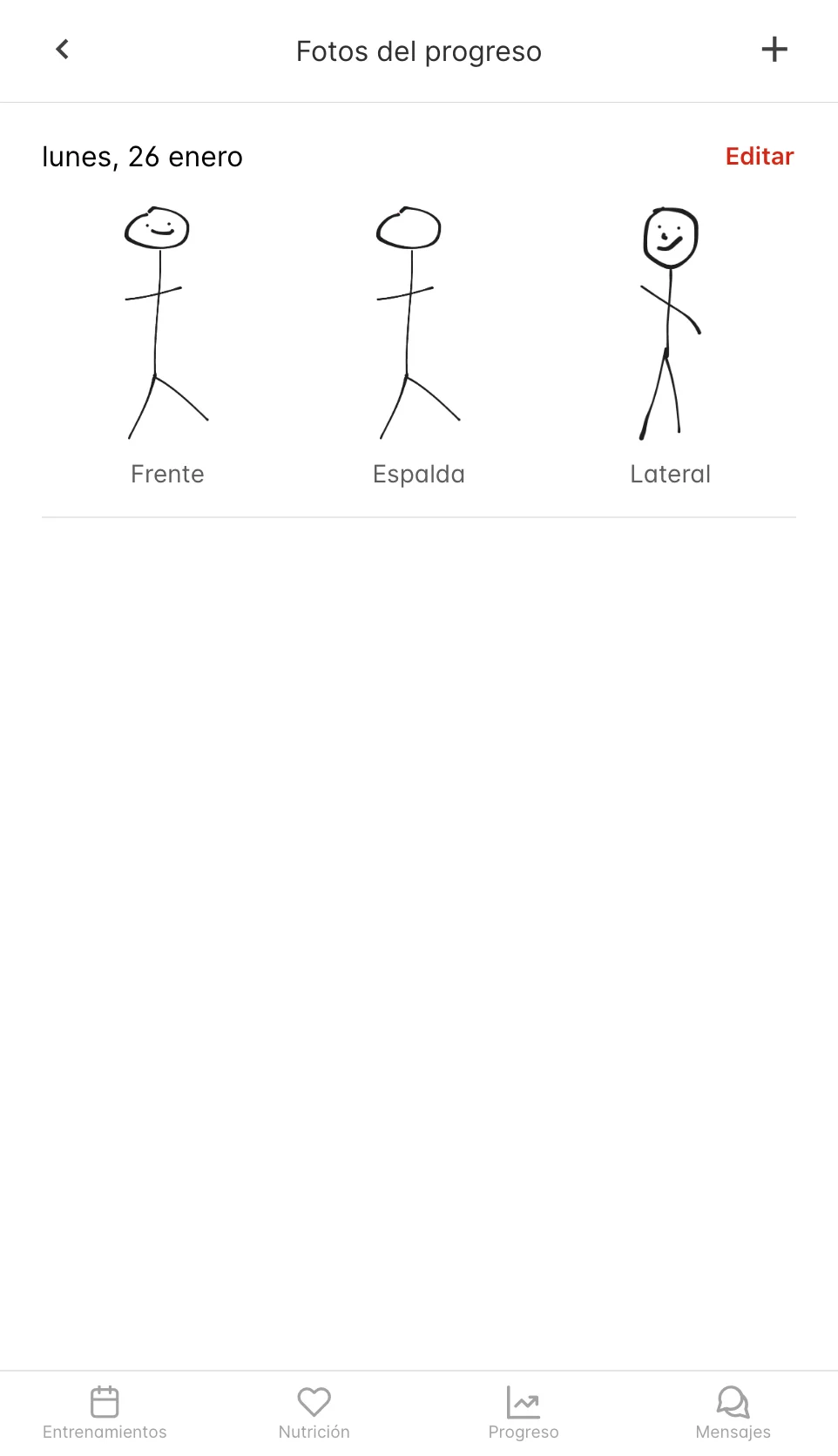
Adding photos
- Tap the button to add photos
- Take or select photos (front, side, back)
- Select the date
Viewing and managing
- Check your photos organized by date
- You can download or delete photos whenever you need to
Your photos are private and only your coach can see them.