Progress metrics
Recording and tracking your progress metrics
Go to Progress in the bottom menu and select "Metrics" to record your weight, measurements or any other metrics your coach has set up.
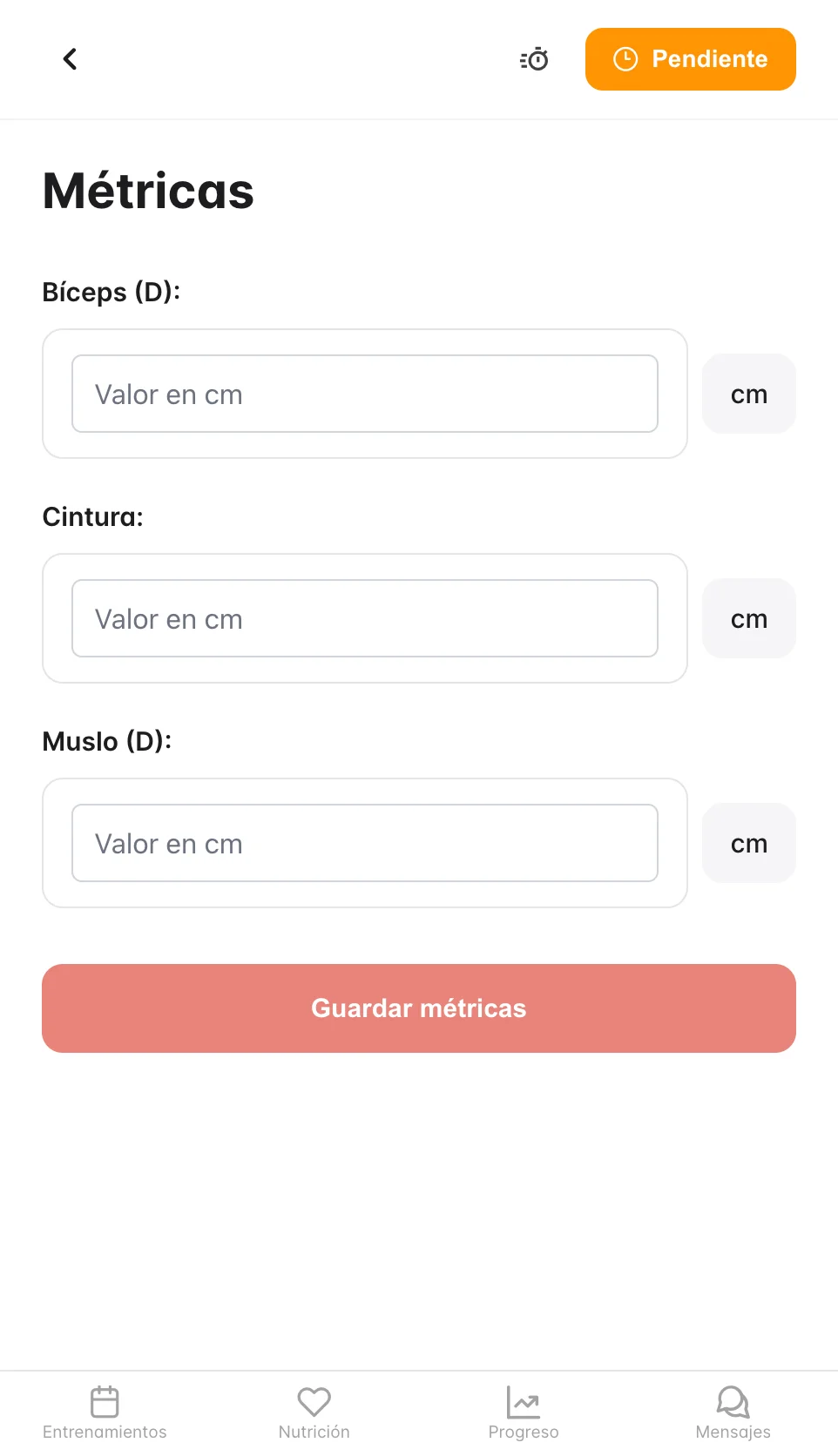
Adding a record
- Select the metric set
- Tap "+" or "Add record"
- Enter the date and the value
- Tap "Add"
Seeing your history
Tap any metric to see a chart with your progress.
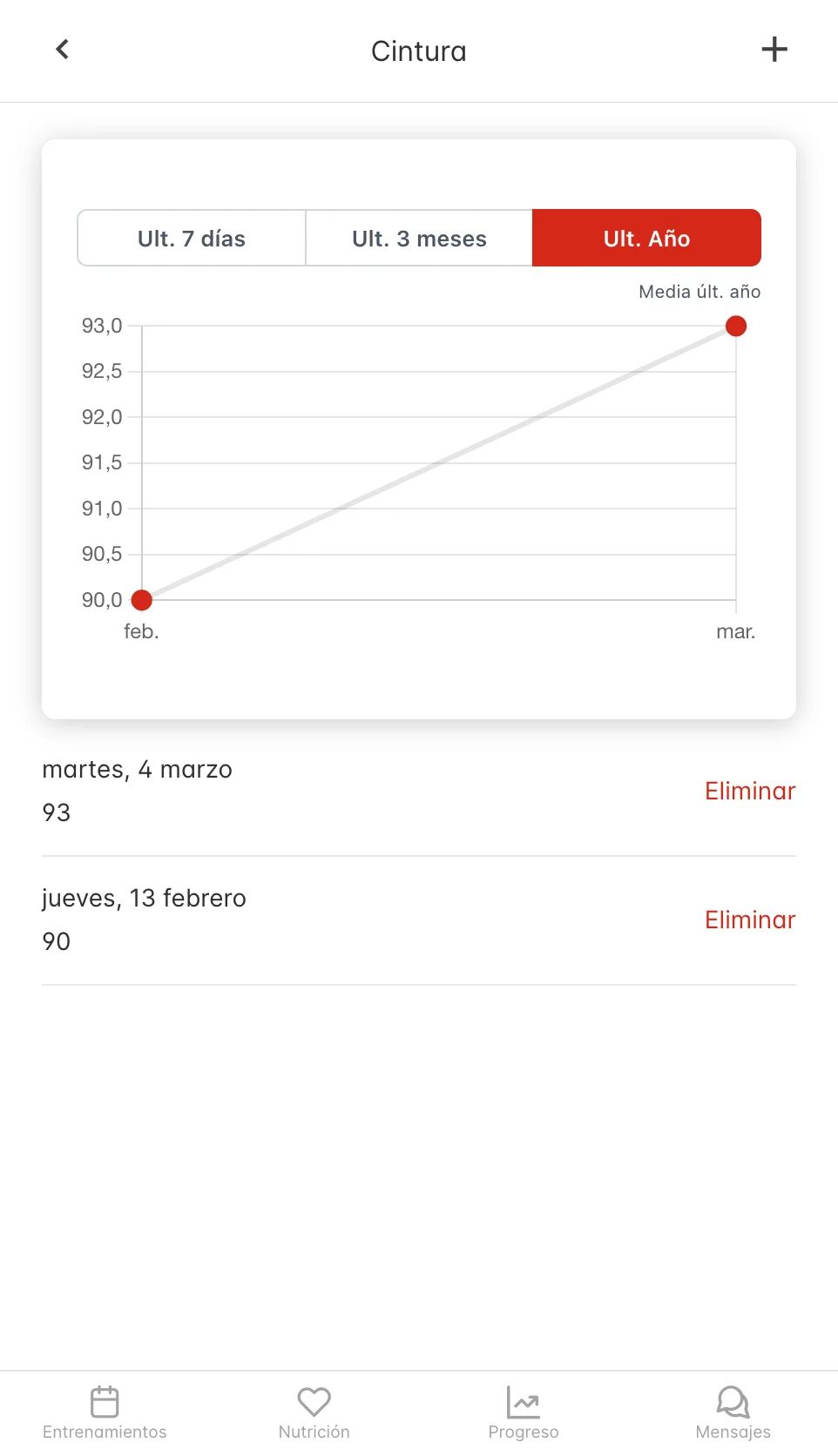
You can edit or delete previous records if you need to correct them.