Messages
Talk to your coach from the app
Tap "Messages" in the bottom menu to talk directly to your coach. It is the best place to clear up doubts, say how you are feeling or flag any change.
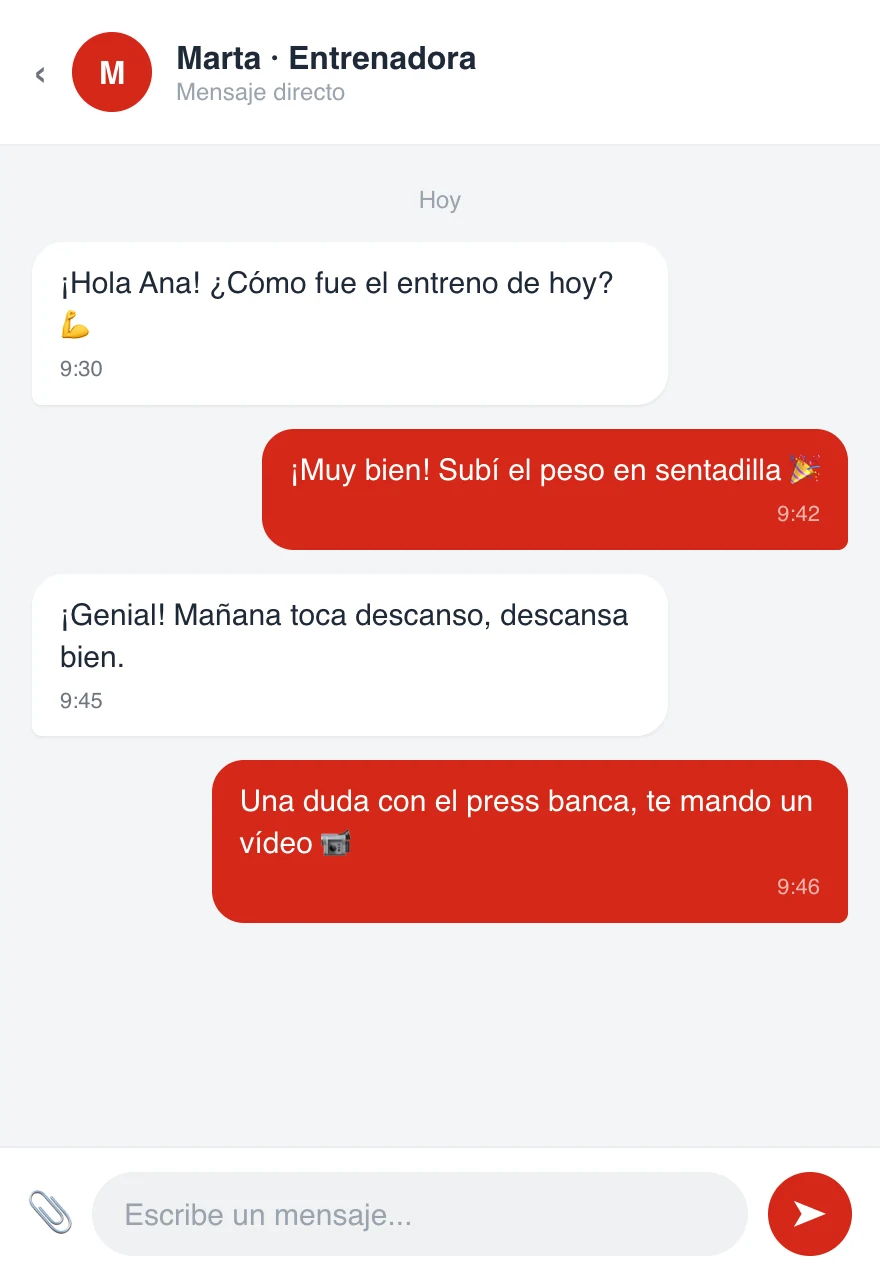
Sending a message
- Open the conversation with your coach
- Write in the "Write a message..." field
- Tap the send button
Your messages and your coach's appear in the same conversation, in order. Swipe up to see previous messages.
Sending photos or videos
Tap the clip next to the text field to attach a photo or a video (for example, so your coach can review your technique). Select it from your gallery and send it.
What to use the chat for
- Clearing up doubts about an exercise or your plan
- Reporting aches, injuries or how you have felt
- Sharing a video of your technique to get feedback
- Arranging changes to your schedule or routine
For comments about one specific exercise, you can also write directly in today's workout; they will reach your coach just the same.