Access with your link
Open the app with the link your coach sends you
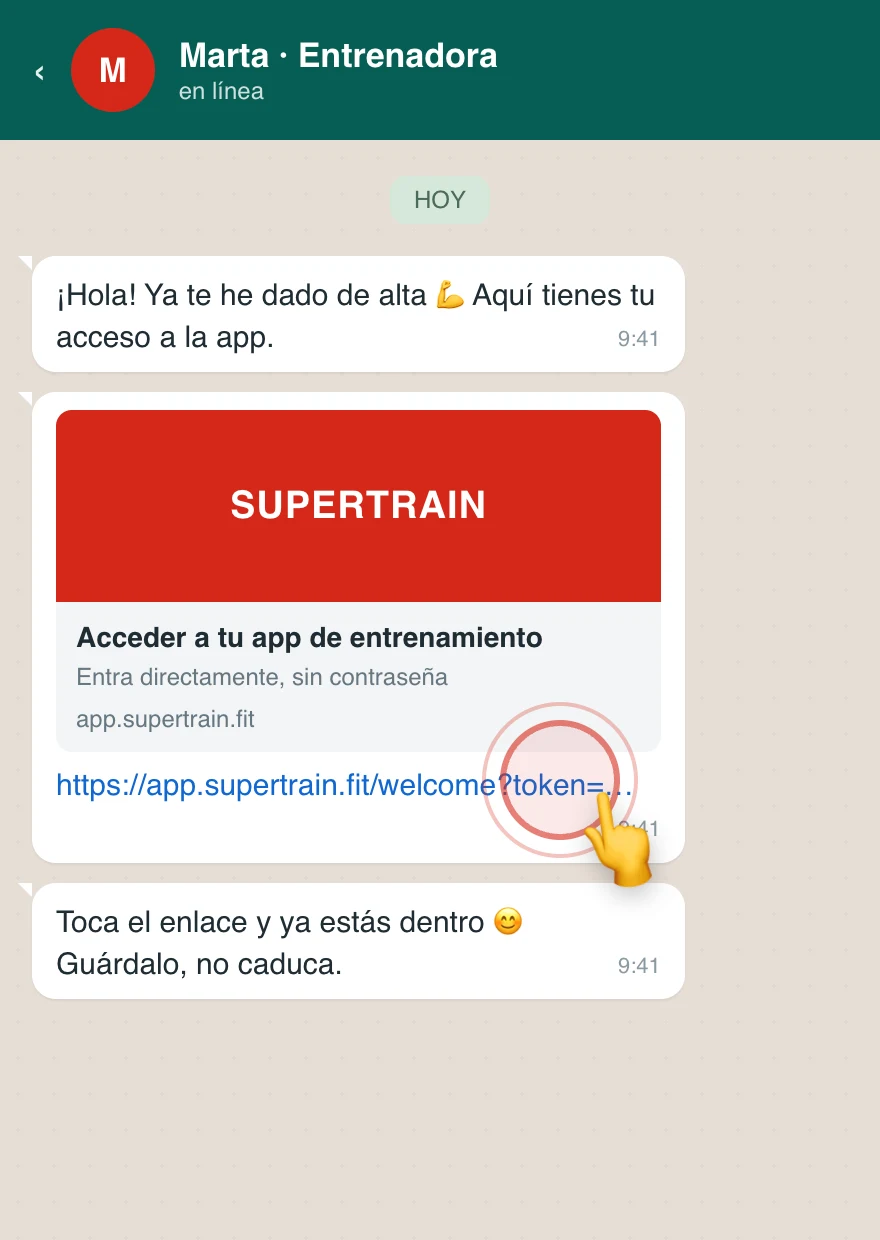
Your coach will send you an access link (via WhatsApp, email or whatever channel they use). All you have to do is tap it and you are in the app, already signed in. You do not have to register or remember any username: at most, the first time you will create a password.
Steps
- Tap the link your coach sent you
- The app opens already signed in
- The first time, if your account does not have an email and password yet, you will see the "Complete your account" screen: create them to continue. It is a one-off step; see Complete your account
- Start using the app
Save your link
The link does not expire and you can reuse it as many times as you want: save it or add the app to your home screen to get back in whenever you like. See Install the app.
Link not working?
- Check that you copied the whole link
- If you opened it from the in-app browser in Instagram or WhatsApp, copy it and paste it into Safari (iPhone) or Chrome (Android)
- If it still does not work, ask your coach to regenerate the link and send it to you again