Complete your account
Create your email and password the first time you sign in
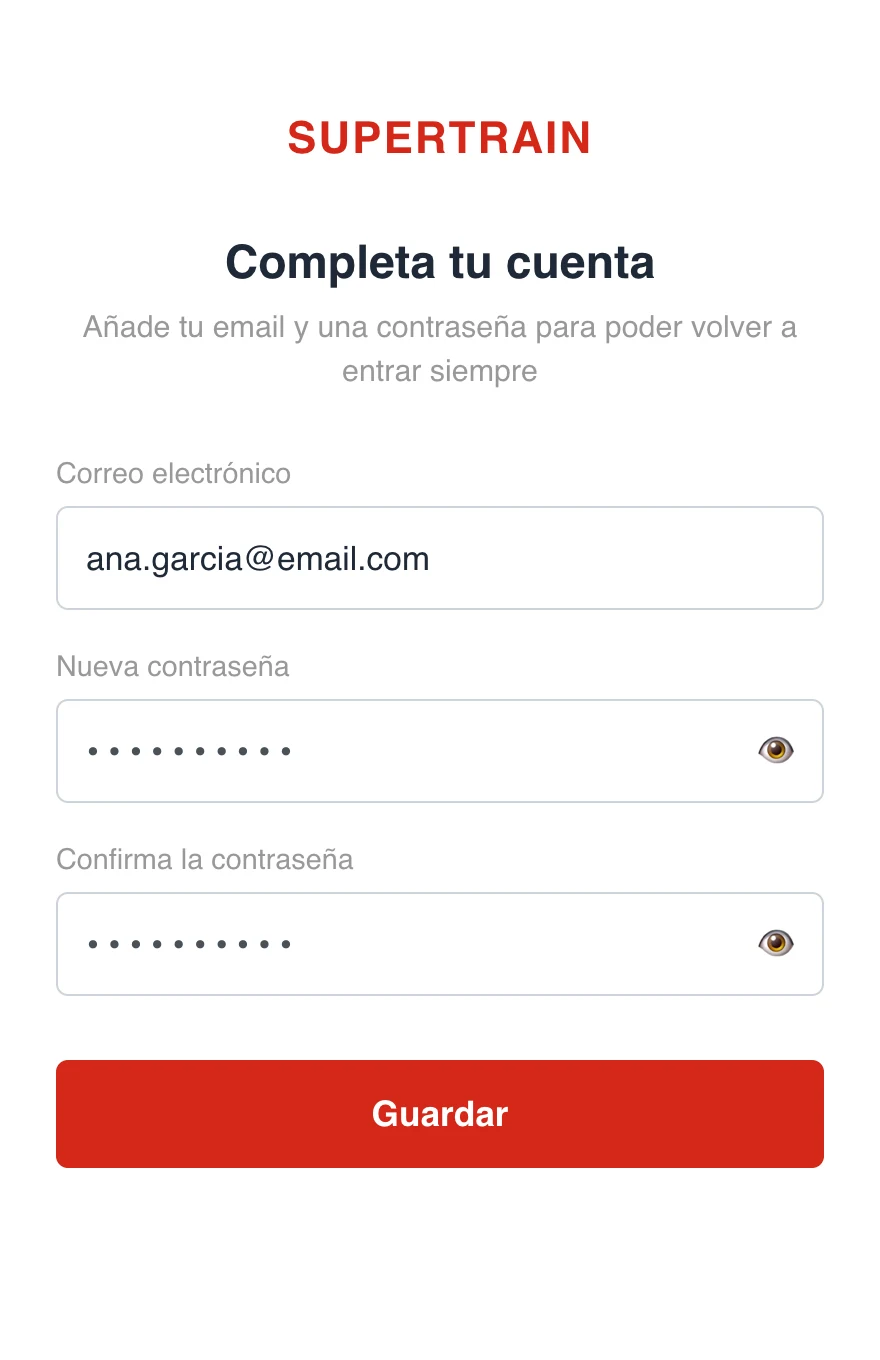
The first time you come in with your access link, if your account does not have an email and password yet, you will see the "Complete your account" screen. It is a one-off, required step: you have to fill it in before you can start using the app.
If your coach already set up your email and your password, you will not see this screen and you will go straight in.
Why we ask for it
With an email and a password your account is secure and you will be able to get back in two ways:
- With your access link, as you have done so far
- With email and password from the sign-in screen, which is essential for using the native app downloaded from the App Store or Google Play
Steps
- Enter your email (if it is not saved yet)
- Create a password (minimum 6 characters) and confirm it
- Tap "Save"
You only have to do this once. From then on you go straight in.
Forgot your password?
On the sign-in screen, tap "Forgot your password?" and you will get an email to reset it. If you cannot remember anything, you can always get back in with the access link your coach gave you.