LS
Nothing to download
With your coach's link
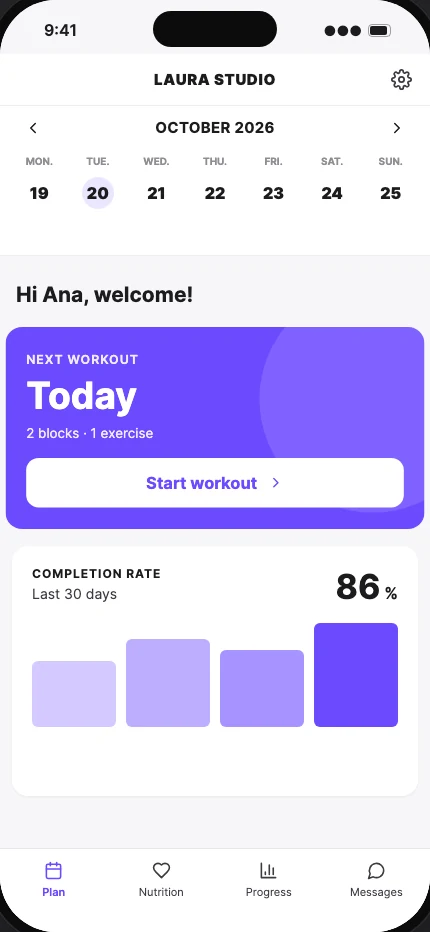
It arrives by text, WhatsApp or email. Open it and you're in, no password needed. Add it to your home screen and it sits there like any other app, with your coach's logo, name and colors.
- 1Open the link in Safari (iPhone) or Chrome (Android).
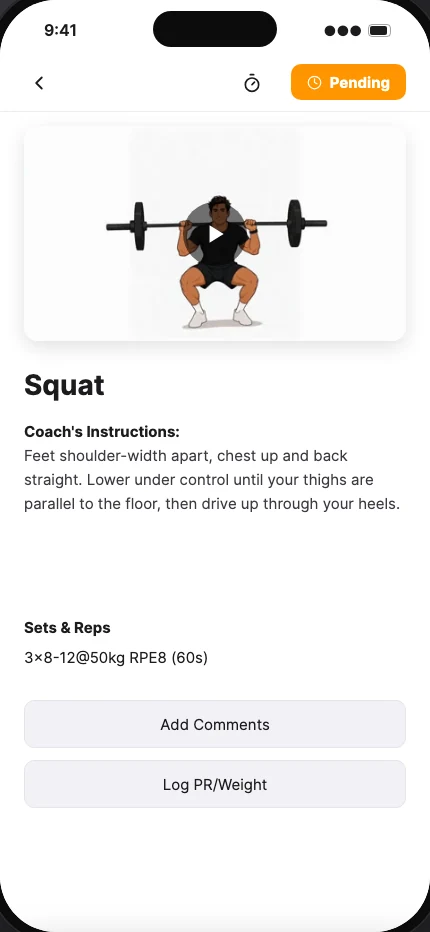
- 2You're straight in: your plan is already there.
- 3Tap “Add to Home Screen” in the iPhone's share menu, or “Install app” in the Chrome menu.
Opened it from Instagram or WhatsApp and can't see the option? Copy it and paste it into Safari or Chrome. Step-by-step guide