AI for coaches · November 11, 2026
How to Connect ChatGPT to Your Personal Trainer App
Stop copying and pasting data into the chat. Connected to your account, ChatGPT answers with your clients' real workouts, lifts and messages.
Short answer: yes, you can connect ChatGPT to TrainerStudio. You need a paid ChatGPT plan with developer mode and your coach account. Paste the URL https://api.trainerstudio.com/mcp, authorize your account, and from then on ask in your own words: who hasn't trained in a week, how a client's bench press is going, or have it build a program from your exercises. You set it up once and it takes a few minutes.
What changes when ChatGPT can see your data
Most coaches already use ChatGPT to write routines, content ideas or messages. The limit shows up fast: it knows nothing about your clients. Every answer starts with a stretch of copying histories, pasting lifts and explaining who is who, and whatever it gives back you have to re-enter by hand in your app.
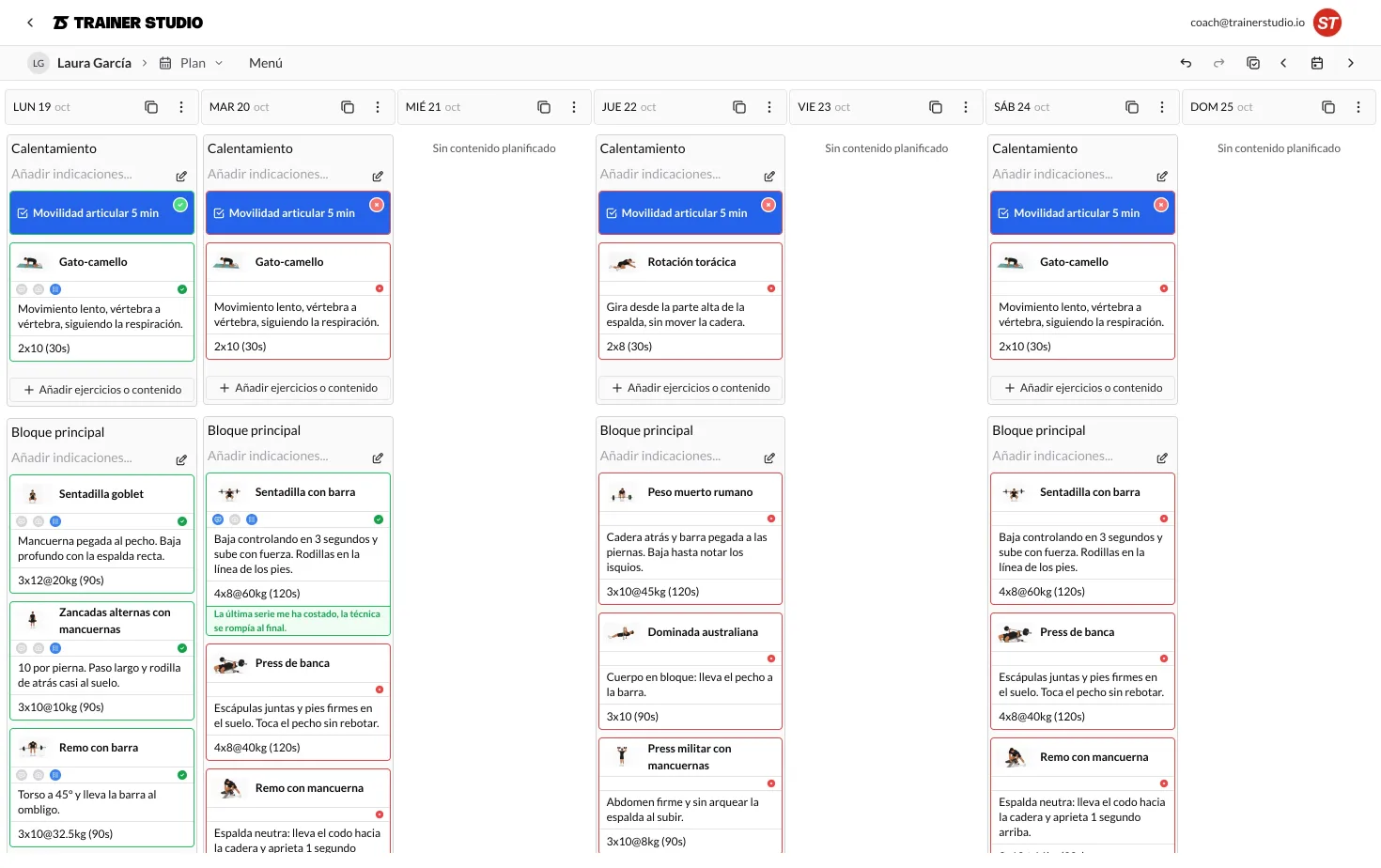
Connected to TrainerStudio, ChatGPT checks your account before answering and, if you ask, saves the result there. The practical difference:
- Without the connection: “Here's a generic strength program.” You copy it, adapt it and load it yourself.
- With the connection: “Maria completed 7 of 12 sessions this month and her squat went from 60 to 70 kg. Here's a block with exercises from your library. Should I save it?”
The connection uses MCP, an open standard that lets an AI assistant work with other apps. If you want it without the jargon, we explain it in what MCP is and why it matters to a coach.
What ChatGPT can do with your account
| Area | What you can ask for |
|---|---|
| Clients | Search clients, see their groups, notes, recent activity and workout compliance. |
| Programs | Look up and create programs, add days and exercises from your library, and assign them to a client. |
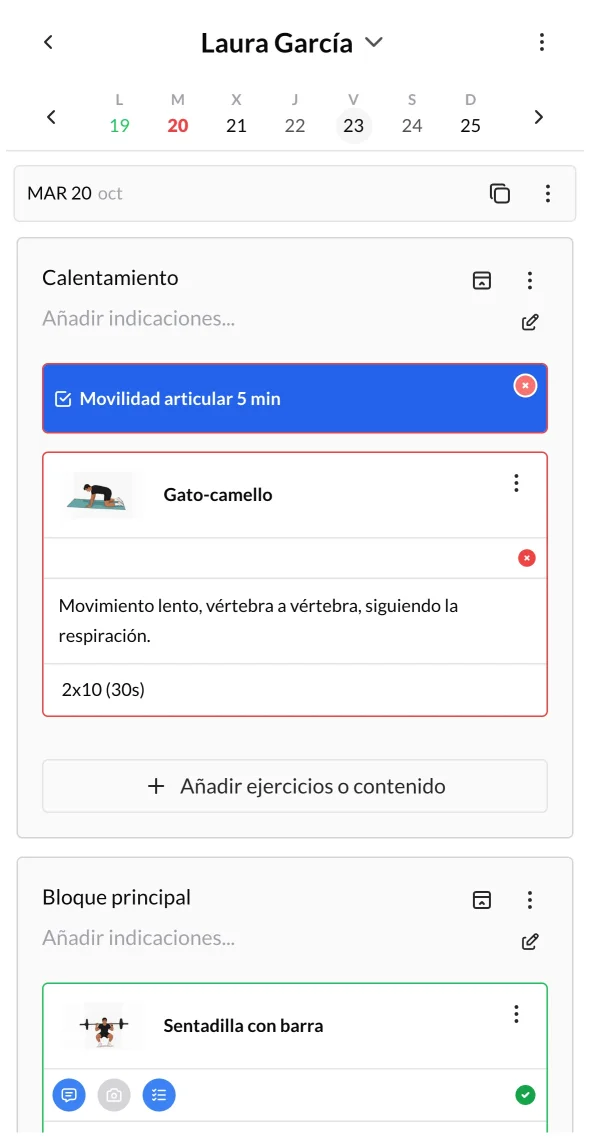
| Workouts | See what each client has scheduled and create, edit, duplicate or delete sessions. |
| Metrics and nutrition | Read weight, lift or measurement history, log new values, and look up or assign nutrition plans. |
| Chat | Read your conversations with clients and send messages on your behalf. |
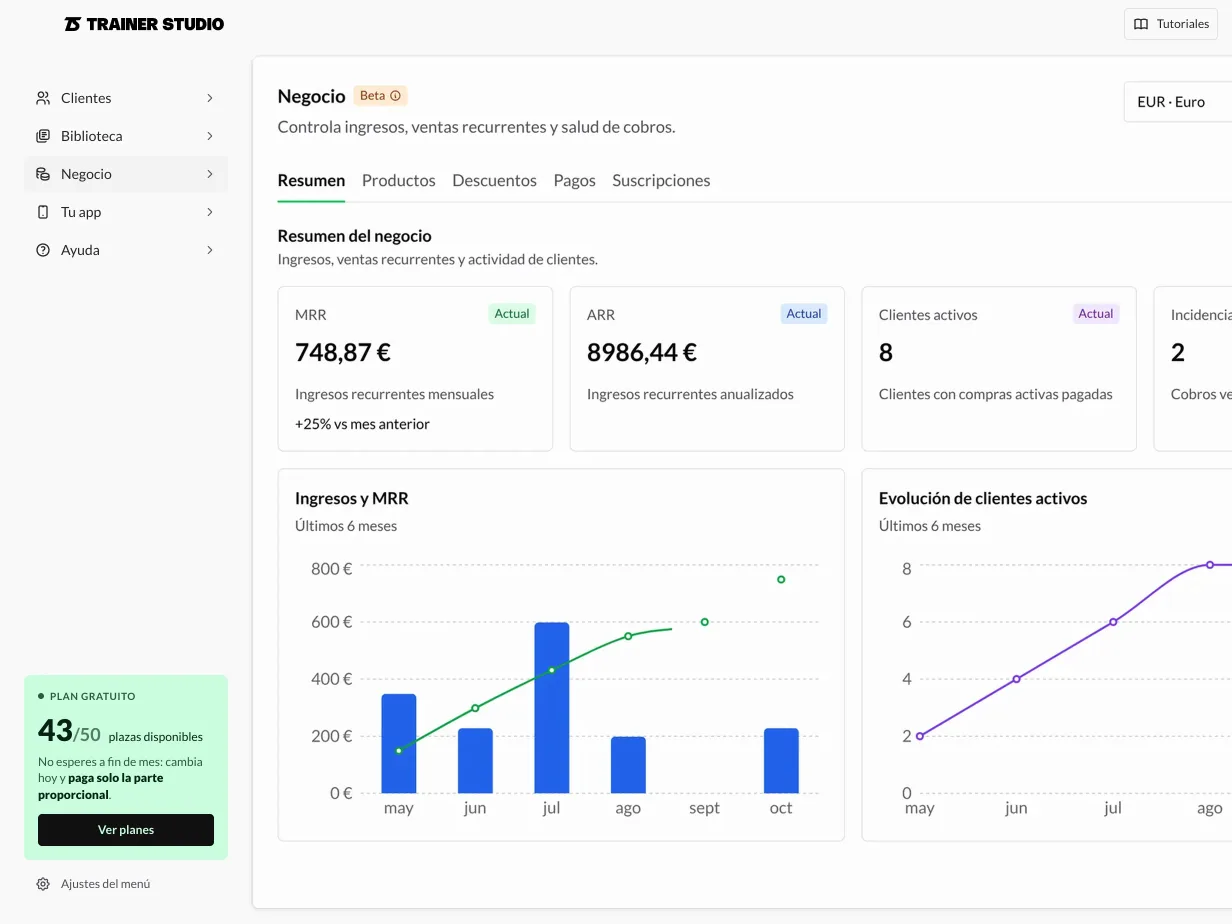
It works as you, with the same permissions you have in the app: it only sees the clients in your account. It doesn't touch payments, billing or account settings.
What you need before you start
- A TrainerStudio coach account. The free account works, with up to 3 clients.
- A ChatGPT plan with developer mode. OpenAI includes it in Plus, Pro, Business, Enterprise and Edu; not in Free or Go. On a company account it also depends on what the admin allows. See OpenAI's help article on MCP servers and its plans page.
- ChatGPT in a desktop browser for the initial setup.
- A TrainerStudio password. If you always sign in with Google or Apple, create one with “Forgot your password?” before connecting.
How to connect it in 4 steps
- 1. Turn on developer mode. In ChatGPT, in a desktop browser: Settings → Security and login → Developer mode.
- 2. Add TrainerStudio. Create a new connection with the URL https://api.trainerstudio.com/mcp and OAuth authentication. No API key needed.
- 3. Authorize your account. A page on api.trainerstudio.com opens. Sign in with your coach email and password and press Authorize.
- 4. Use it in a conversation. Type @ and pick TrainerStudio, or start your request with “Use TrainerStudio to…”.
Exact menu names change between ChatGPT versions. The step-by-step guide to connecting ChatGPT in the help center has screenshots, every field one by one and what to do if something doesn't work.
Check the address before you type your password
The authorization page must be on api.trainerstudio.com. You only type your password there: ChatGPT receives an access permission, never your password.
5 things to try in your first week
Start with requests that change nothing, and move on to creating once you trust the answers. Swap the names for your own clients.
1. Spot who to message today
“Use TrainerStudio to tell me which active clients haven't completed any workout in the last 7 days. Sort them by days without training.”
2. Prepare a client review
“Summarize Maria Garcia's compliance over the last 4 weeks and how her squat has progressed. Tell me what you would adjust, without saving anything.”
3. Build a program from your library
“Using exercises from my library, propose a 3-day strength program for an intermediate level. Show it to me before saving and leave it unassigned.”
4. Review progress with data
“Look up Carlos Lopez's metrics and tell me how his weight has changed over the last 3 months. Flag it if entries are missing.”
5. Draft a follow-up message
“Read my latest conversation with Laura Perez and draft a short message asking how the new routine is going. Don't send it until I say so.”
For more request ideas, the structure in our ChatGPT prompt guide for personal trainers works the same with the connection on: the difference is you no longer have to paste the data.
How to stay in control
- Proposal first, save after. Ask it to show you the program or message, and give the order to save or send as a second step.
- Read the confirmations. ChatGPT asks permission before writing to your account. Check the client, dates and text before accepting.
- Be careful when assigning programs. Assigning adds sessions to the client's calendar: check they don't already have workouts on those days.
- Ask only for the data you need. What ChatGPT looks up enters the conversation and is handled under your OpenAI account. Avoid requesting health data the task doesn't need.
If you handle sensitive data or have a team, also read how to use an AI assistant with client data without losing control: it's written for Claude, but the rules are the same.
Prefer Claude?
TrainerStudio connects to Claude the same way, with the same tools and the same URL. What changes is the plan you need and where you set it up. We compare them in ChatGPT or Claude: which one to connect to your training business. And if what you want is to connect your website, your CRM or an automation, you're looking for the TrainerStudio API.
Frequently asked questions
Do I need to know how to code to connect ChatGPT to TrainerStudio?
No. You set it up from ChatGPT's settings by pasting a URL and signing in with your coach account. You don't write code or handle API keys.
Does it work with the free version of ChatGPT?
No. Adding your own connection needs developer mode, which OpenAI offers on the web for paid plans (Plus, Pro, Business, Enterprise and Edu). If you're on the free plan, Claude lets you add one custom connector at no cost.
Can ChatGPT change my workouts or message my clients?
Yes, if you ask it to: actions run on your real account. ChatGPT asks for confirmation before write actions unless you change those settings. Ask for a proposal first and give the order to save or send once you've reviewed it.
Can ChatGPT see my payments or account settings?
No. The connection works with clients, programs, workouts, exercises, metrics, nutrition and chat. It gives no access to billing or account administration.
How do I disconnect it?
From the TrainerStudio connection settings in ChatGPT. From then on, ChatGPT can no longer read or change your data.
ChatGPT requirements reviewed on November 11, 2026. OpenAI may change plans and menu names.